
Extra information
System documentation: Shopline API ReferenceConnector package documentation
Table of Contents
1. Setting up HTTP Client Shopline 1.1 Steps 2. Subscribing to entities from Shopline 2.1 Steps 2.2 General concept 3. Publishing entity to Shopline 3.1 Steps 3.2 General concept1. Setting up HTTP Client Shopline
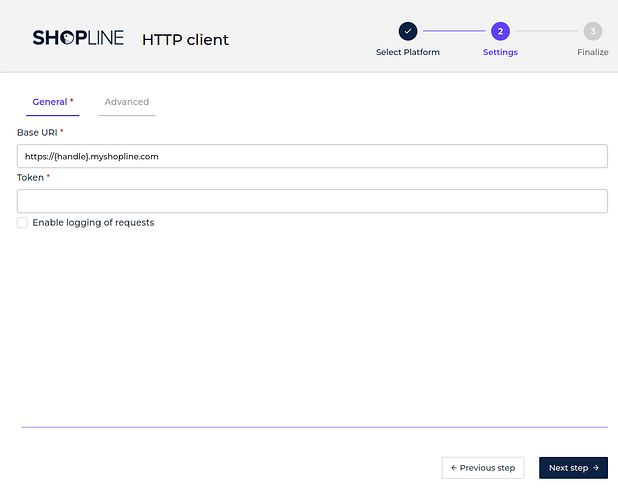
1.1 Steps- In the Alumio Dashboard, go to Clients -> HTTP Clients. Create a new HTTP Client.
- Select Shopline HTTP Client as PlatForm and click the next step.
- Fill in the Base URI. Replace {handle} with your custom application URL (For more information, see Shopline Application Management).
- Fill in the Token that is generated by your custom application.
- You can optionally enable logging of requests to get the authentication log.
- Click the next step, fill in the name of the HTTP Client and finally you can save the HTTP Client for use.
2. Subscribing to Entities from Shopline
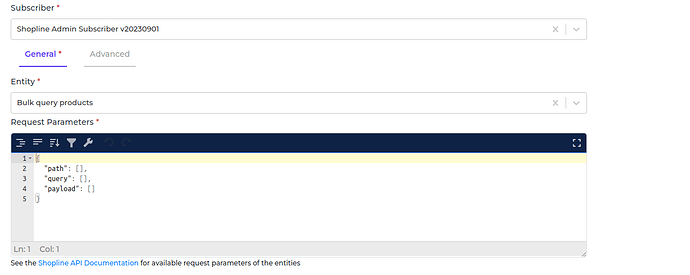
2.1 Steps- Go to Connections -> Incoming -> create a new incoming configuration and select “Shopline Admin Subscriber” as the subscriber.
- Select the entity you want to subscribe to from Shopline.
- Add any request parameters needed to subscribe to the entity.
- Select the Shopline HTTP Client to use.
- You can optionally add a transformer to transform the request parameters into something you will request from Shopline.
- You can also optionally enable pagination to allow Alumio to fetch paginated entities.
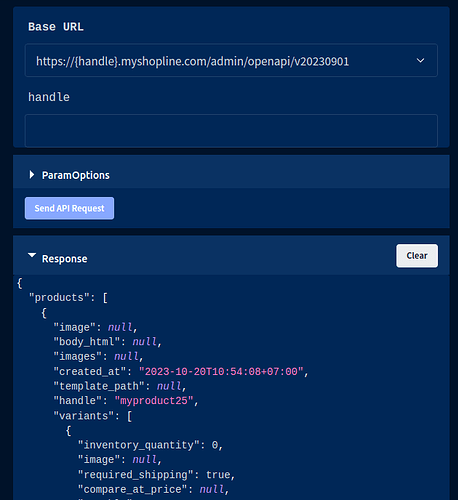
/admin/openapi/v20230901/products/{product_id}.json
- Path is the path parameter of the URL. For example the {product_id}.
- Query is a defined set of parameters attached to the end of a URL.
Example: www.url.com?type=true&start=0 - Payload is the data contained within a request.
3. Publishing Entity to Shopline
3.1 Steps- Go to Connections -> Outgoing, create a new outgoing configuration and select “Shopline Admin Publisher” as the publisher.
- Select the Method that you want the publisher to perform with the data.
- Select the Shopline entity you want the data to be published.
- You can optionally add any query data to the request on the key query.
- You can optionally add any payload data to the request on the key payload.
- Select the HTTP Client to use.
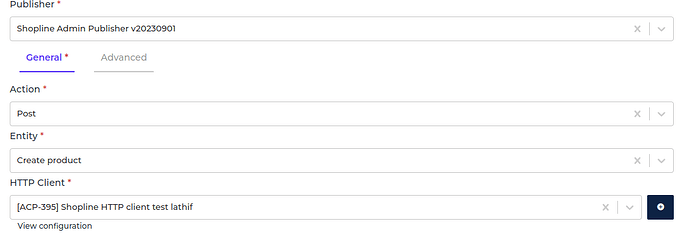
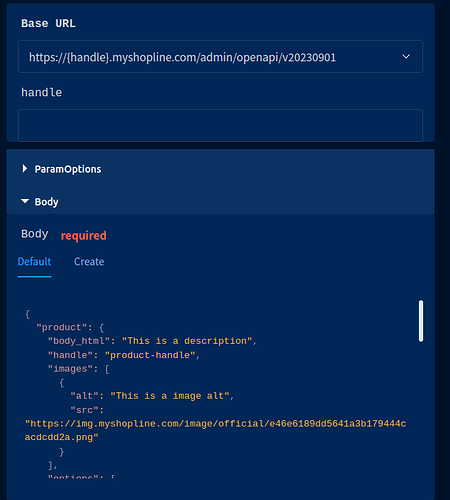
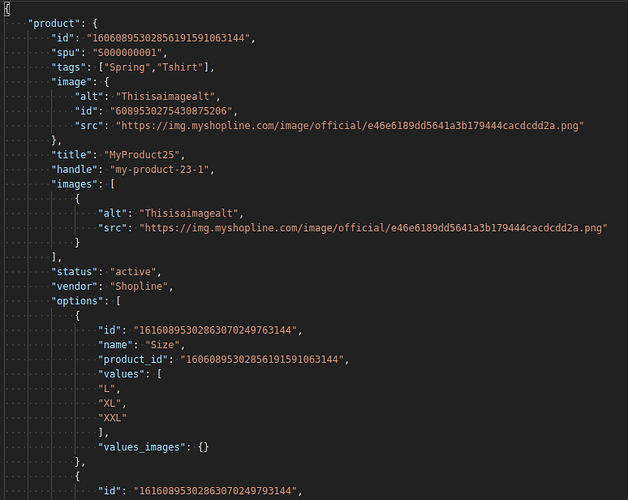
/admin/openapi/v20230901/products/products.json
- Path is the path parameter of the URL. For example the {product_id}.
- Query is a defined set of parameters attached to the end of a URL.
Example: www.url.com?type=true&start=0 - Payload is the data contained within a request.