
Here’s what’s new and improved with Alumio version 3.127.0:
New and improved
Build transformers with the Alumio Assistant (beta)
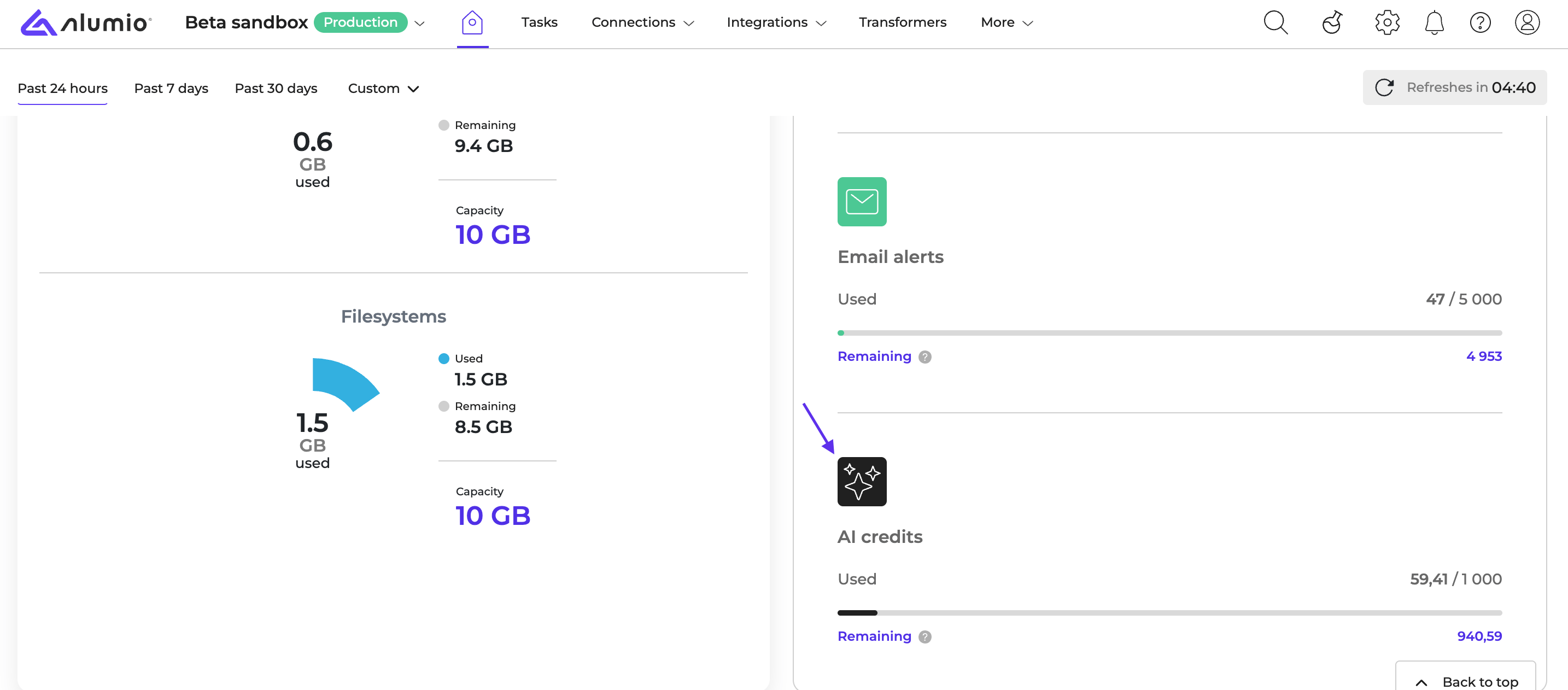
The Alumio Assistant is an AI chat that opens next to the transformer form. Describe in plain language what a transformer should do, and the assistant builds it: it picks the transformers, fills in their fields, names and describes each step and checks that the result is valid. You review the proposal, apply it to the form with one click and save it yourself. The assistant reads the transformer in the form and the sample data in the Transformer tester, so you can also ask it questions about an existing transformer. When a transformer needs a connection or a storage, it asks you which one to use. Each reply uses AI credits from your environment’s monthly allowance, which you can follow in the Credits widget on the Dashboard. To get started, open a transformer and click the sparkles icon. Read more in Build transformers with the Alumio Assistant.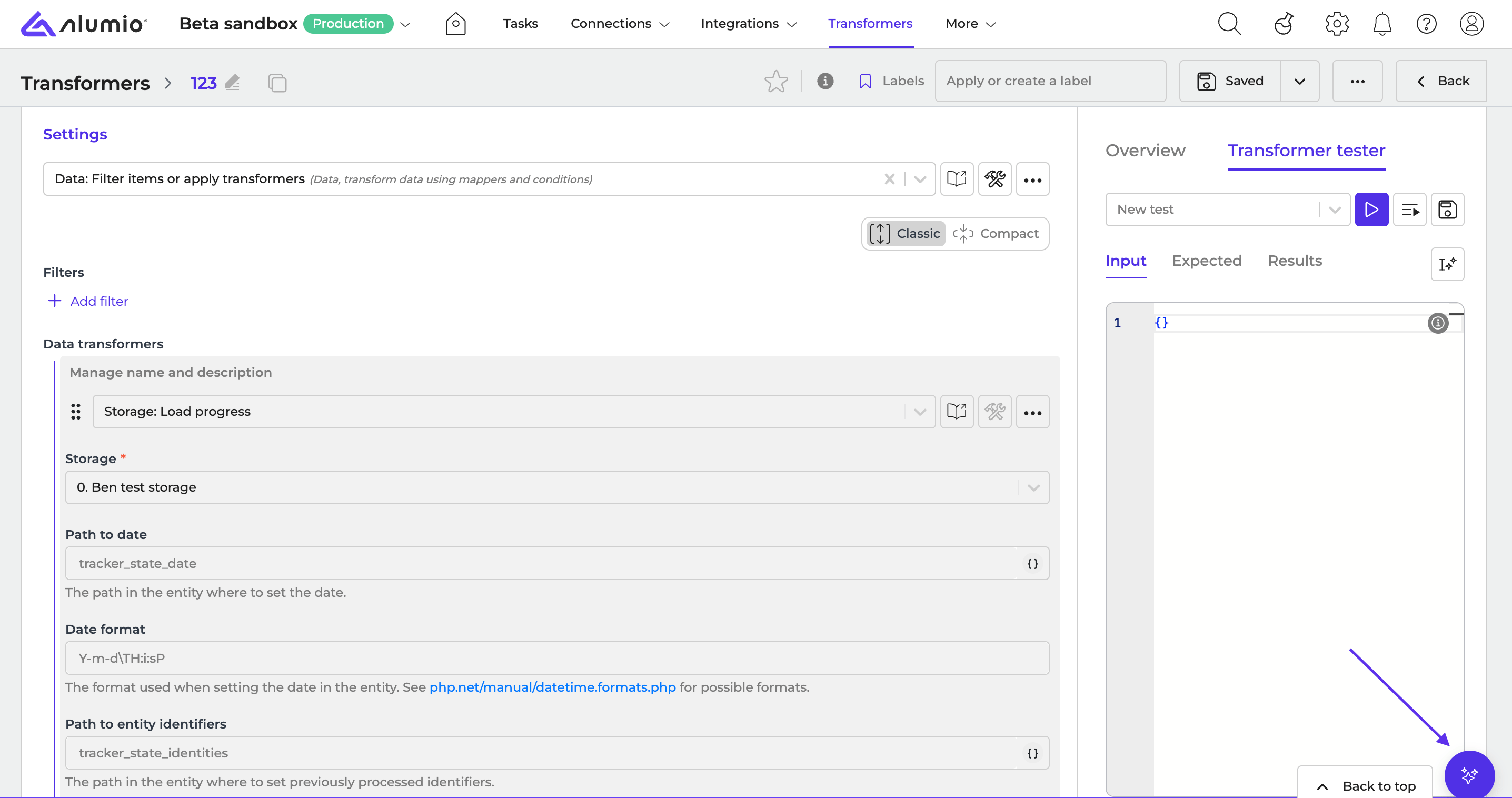
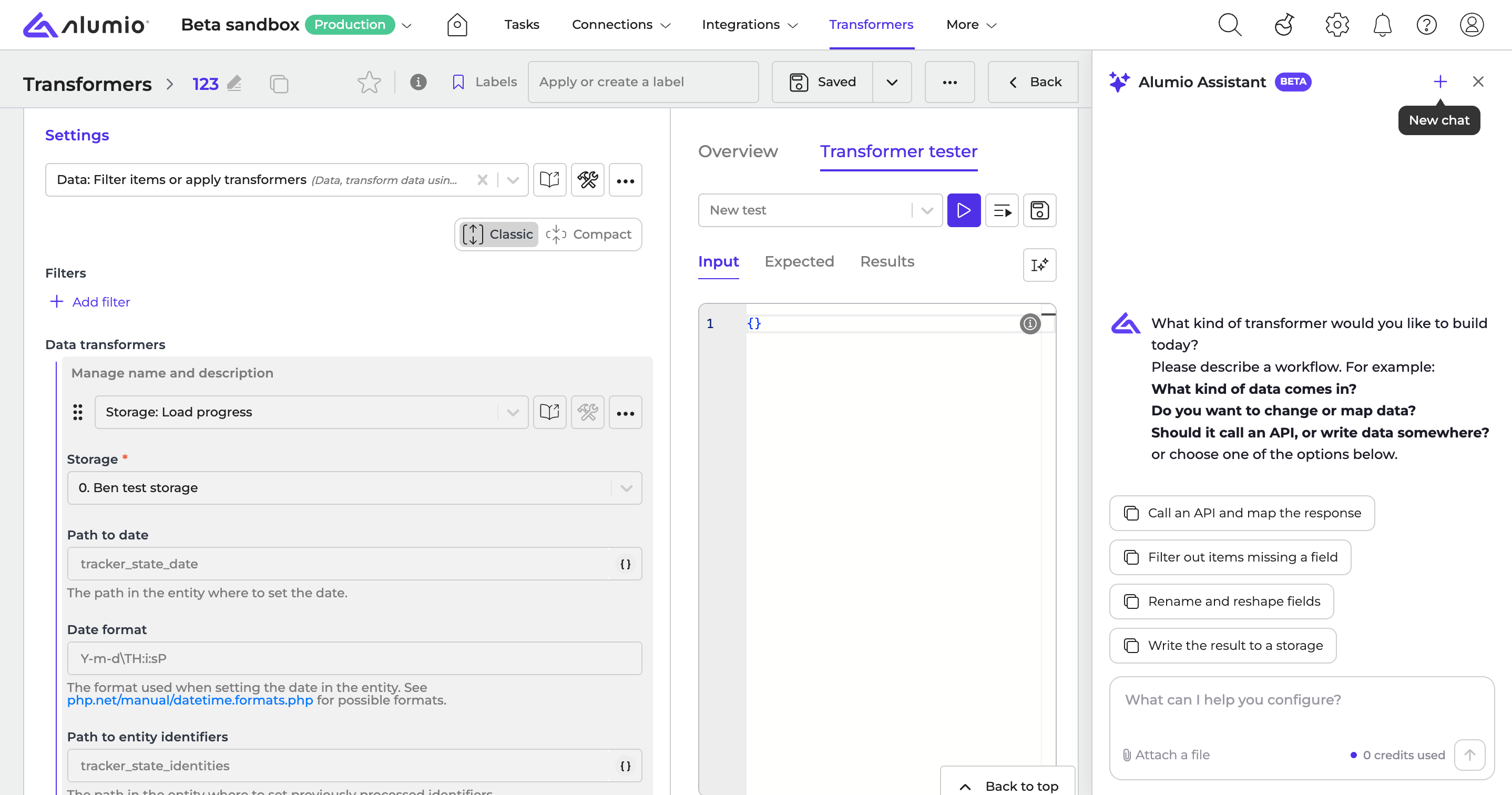
The Alumio Assistant is in beta. Its tools and behavior may change in future releases.
Chat with AI (Claude, ChatGPT, etc.) about your Alumio environment via the Alumio MCP server (beta)
Alumio now has an MCP server. With it, you can connect AI, such as Claude or ChatGPT, that support the Model Context Protocol (MCP) to your Alumio environment and chat with them about it. There is no dedicated screen for this in the dashboard: add the Alumio MCP server to your AI and sign in with your Alumio account. Through the MCP server, you can:- Read tasks and their logs
- Read your configurations and environment variables
- Retry tasks
The Alumio MCP server is in beta. Its tools and behavior may change in future releases.
Fixes
Fixed downloading entity data for tasks in a space
In environments that use Spaces, downloading the entity data of a task showed an error instead of a file. You can now download entity data from any task in a space.Fixed the Formatter field showing on the wrong tab in OAuth2 authentications
When you enabled logging of OAuth requests in an OAuth2 authentication with the Generic provider, the Formatter field appeared at the bottom of the General tab. It now appears on the Advanced tab, directly below the “Enable logging of oauth requests” checkbox.Release schedule
- RC available on Sandbox: week 48
- Stable release on Production: week 50
For more information about our release process, check out our release notes overview.