
What’s new and improved with Alumio version 3.115.0:
Handle large payloads without browser crashes
The Task detail page now loads entity data on demand rather than all at once, significantly improving performance and preventing browser crashes when working with large payloads.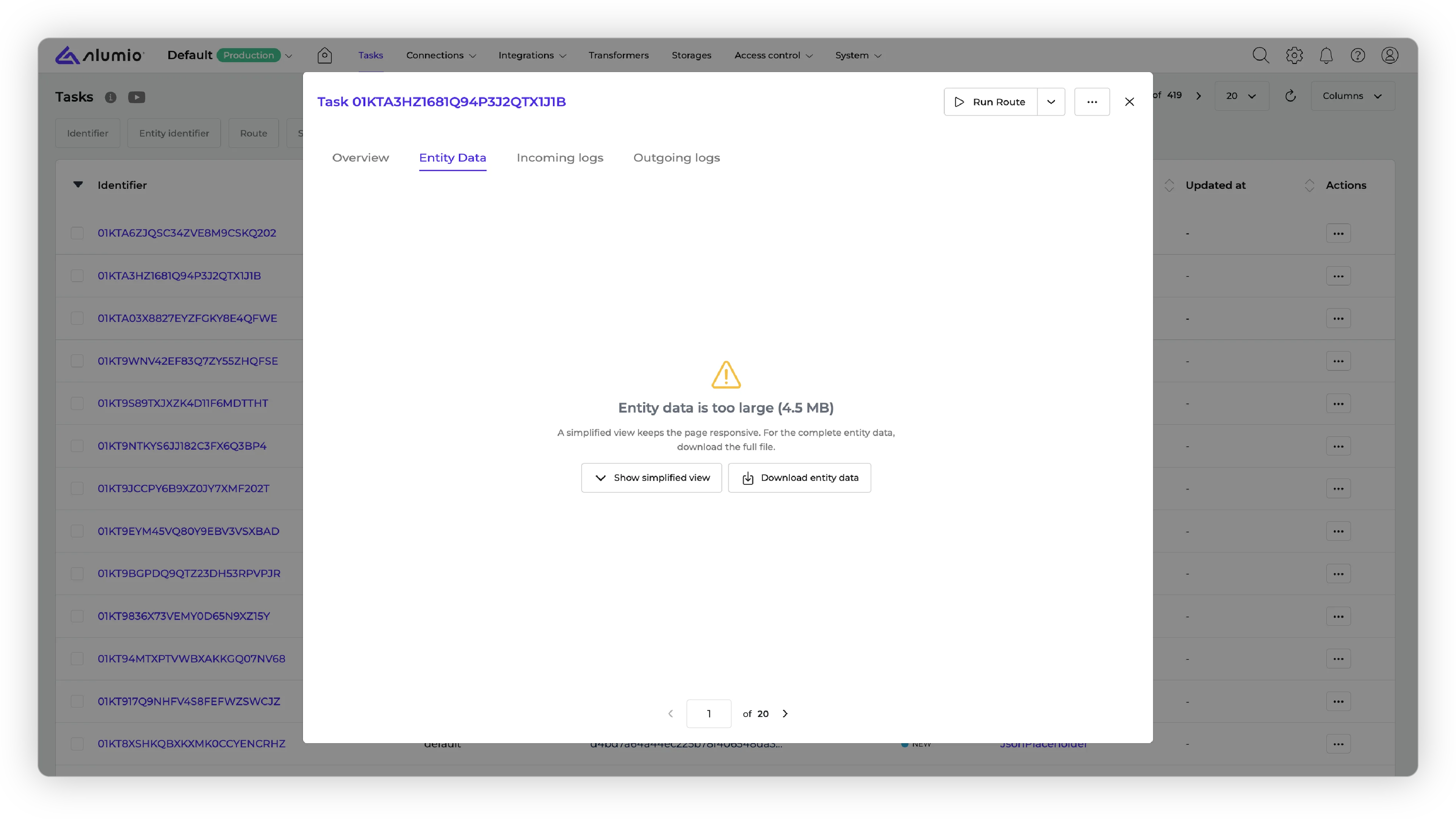
A cleaner Manage Transformers block for data input
The Manage Transformers block has been restyled with a new array item template for data input fields. And the Transformer Tester is now directly accessible from the route, incoming, and outgoing detail pages.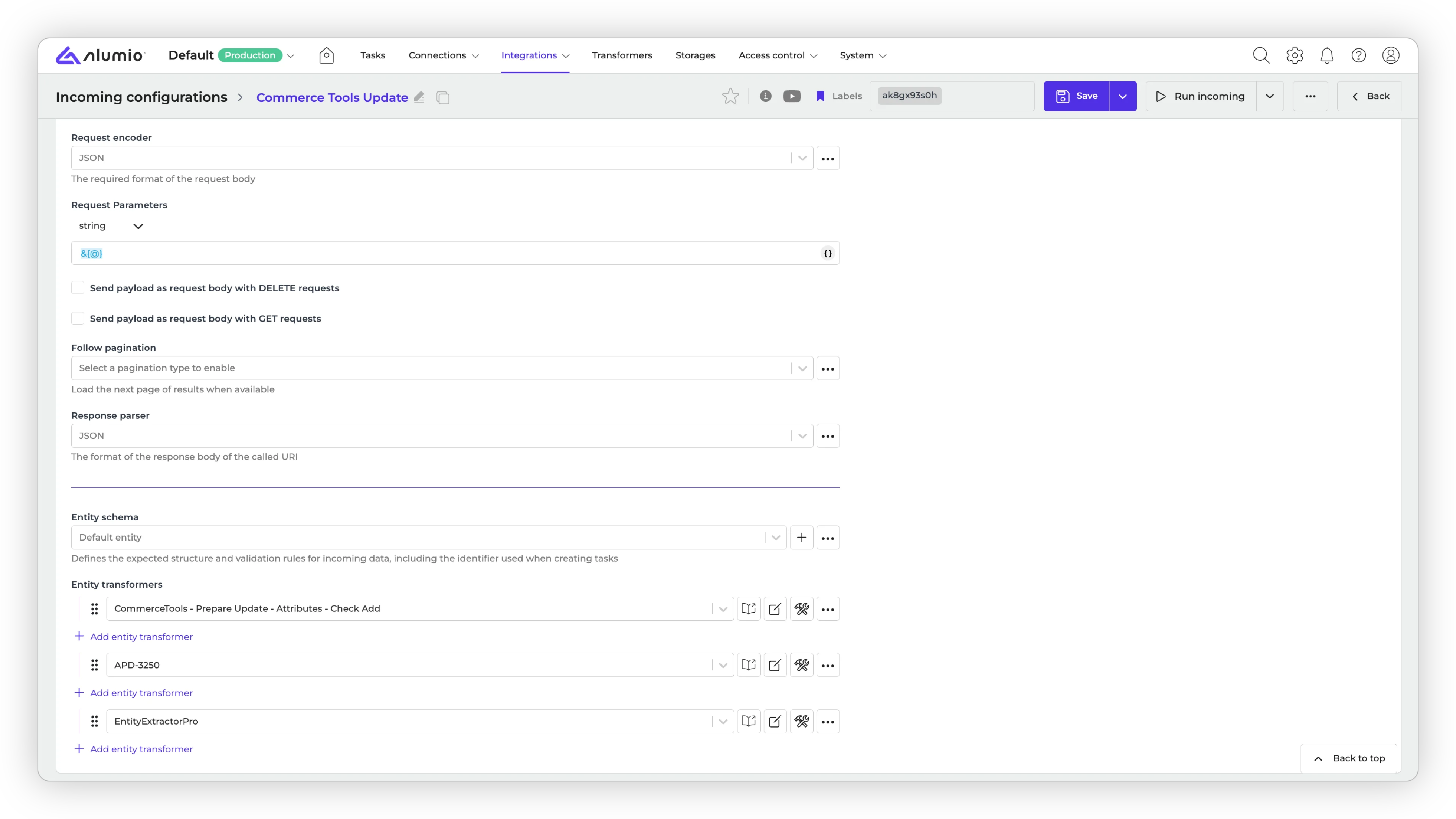
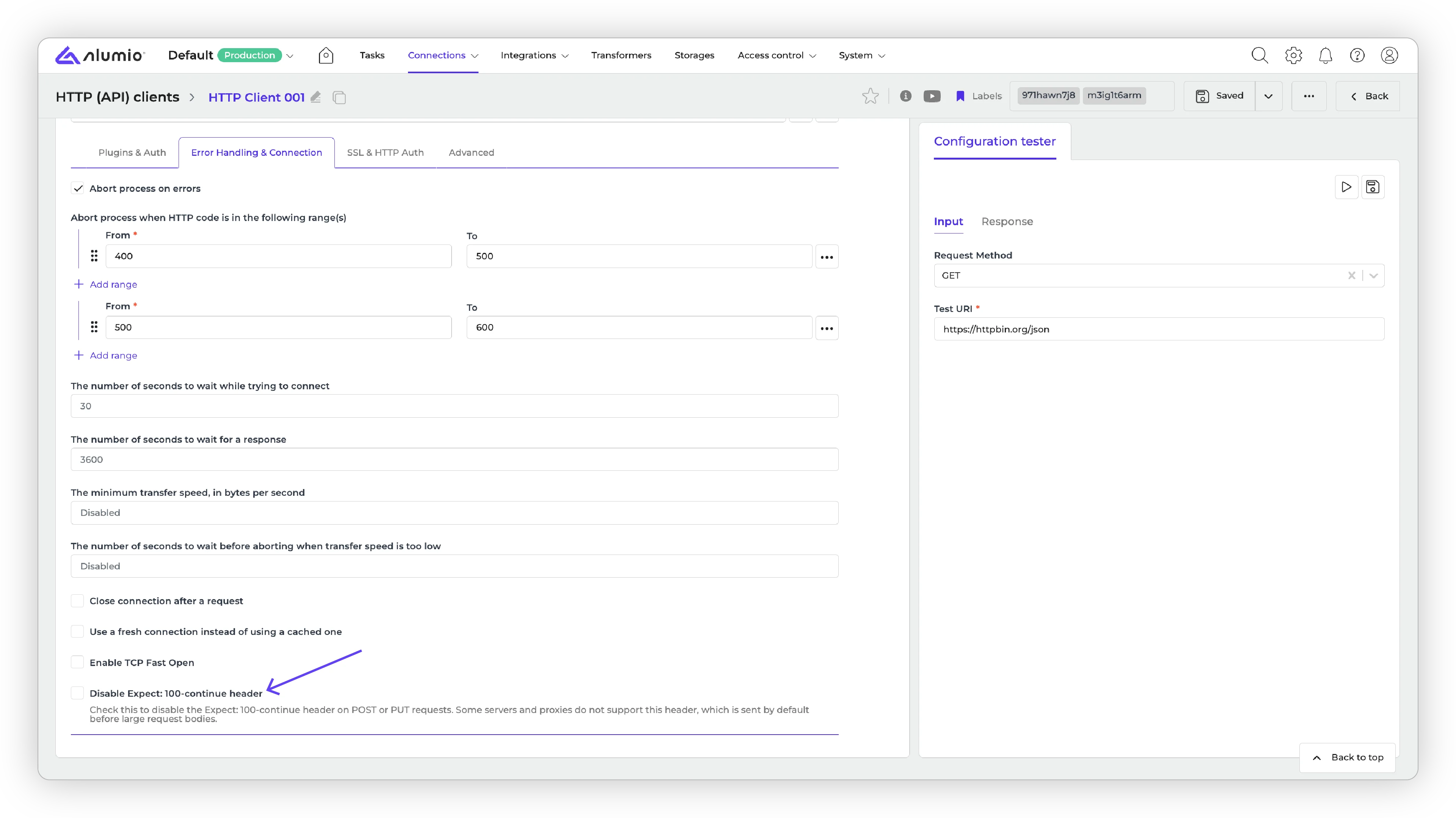
Disable the automatic Expect: 100-continue header for large API payloads
Fixed a bug where large payloads sent to APIs such as Google Gemini failed with an error due to an automatically injectedExpect: 100-continue header. A new checkbox option in HTTP Clients lets you disable this header.
Keeping the Task overview readable at high action counts
Resolved a layout issue on the Task overview page where a large number of task actions broke the formatting. Action counts are now shown in a compact format (e.g. 1k), with the exact number displayed on hover.Connector updates
The following connectors have been updated with the new version:- Qapla, v2.
- Pipedrive, v2.
Release schedule
- Release candidate 3.115.0-RC1: scheduled for deployment in week 24 (sandbox environments)
- Stable release 3.115.0: scheduled for deployment in week 26 (production environments)
- Important: these dates apply only to environments configured with the ‘Latest’ update cycle. Find more information on how to update your environment.