Documentation Index

Fetch the complete documentation index at: https://docs.alumio.com/llms.txt

Use this file to discover all available pages before exploring further.

Image
With Alumio version 3.88.0-RC1, we’re excited to roll out some great usability updates. The Code Transformer — which lets you modify data using JavaScript — is now officially stable, and our new label-based filtering just got more user-friendly. We’ve also added support for a new authentication method, a Connector for a great accounts receivable app, and key usability upgrades. Let’s keep making integrations simple! Here’s what’s new and improved with Alumio version 3.88.0-RC1:
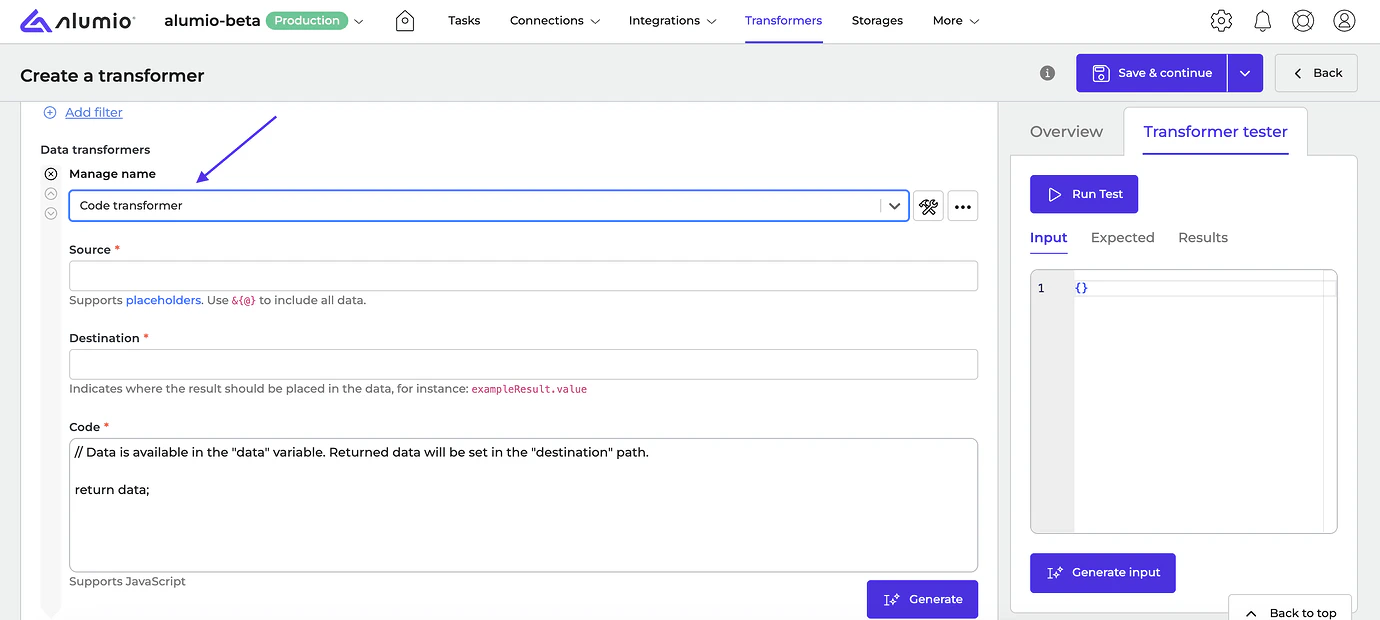
  • [NEW] The Code Transformer has officially gone out of beta mode. The current version is deemed stable after running in beta for several months.
    Image
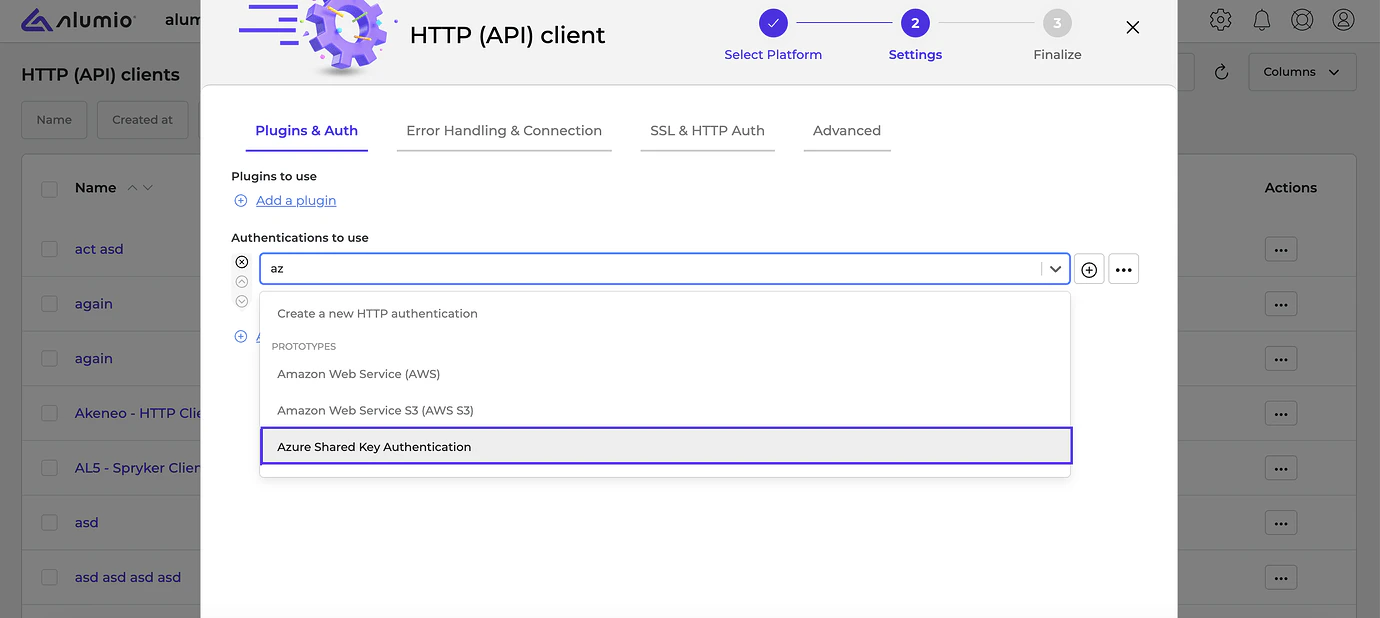
  • [NEW] We’ve added support for Microsoft Azure Shared Key Authentication with base64-decoded HMAC key and optional key field mappers.
    Image
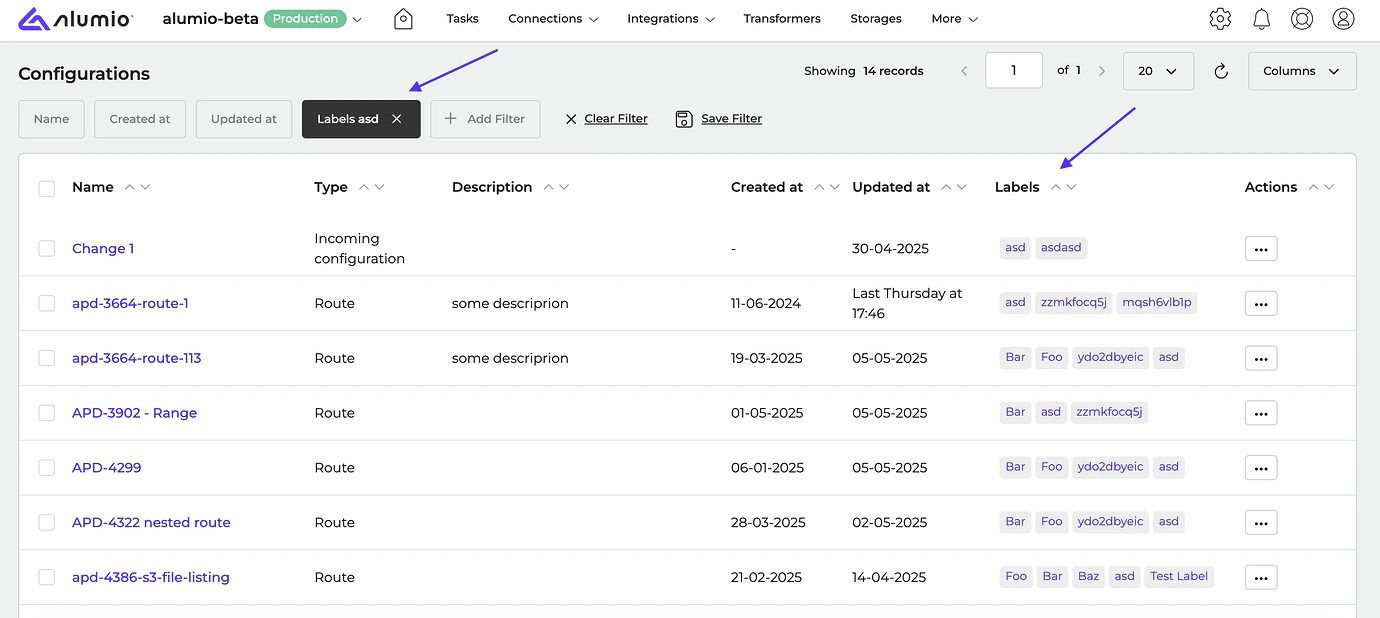
  • [NEW] It’s now possible to navigate to the list of all configurations with label-based filtering by clicking on the corresponding label.
    Image
  • [NEW] The workings of the “Reload dashboard” functionality has been improved to ensure the latest version of Alumio is displayed properly.
  • [NEW] We’ve added a message on the Task detail page when logs are no longer available due to retention.
  • [NEW] We fixed a bug where login redirection navigated users to the default space instead of the previously selected space.
New Connectors we support:
  • Payt Connector, v1
Release dates
  • Release candidate 3.88.0-RC1: will be installed on Week 22 (Sandbox environments)
  • Stable release 3.88.0: will be installed on Week 24 (Production environments)

How to update your environment Your UAT environment is always automatically updated every 2 weeks to the latest release candidate version. This happens on the same day as the release notes are published by Alumio. Note: Your production environment is NOT automatically updated to the next stable version. You can request production updates by contacting our Support Team via: support@alumio.com. Our Support Team will perform the update in correspondence with your planning. Mintlify logo