
Here’s what’s new and improved with Alumio version 3.117.0:
See Transformer counts without leaving the Route builder
You can now see at a glance how many transformers are linked to an Incoming, Outgoing, or Route node directly in the Route Builder. Hovering over the indicator shows you exactly which transformers are assigned.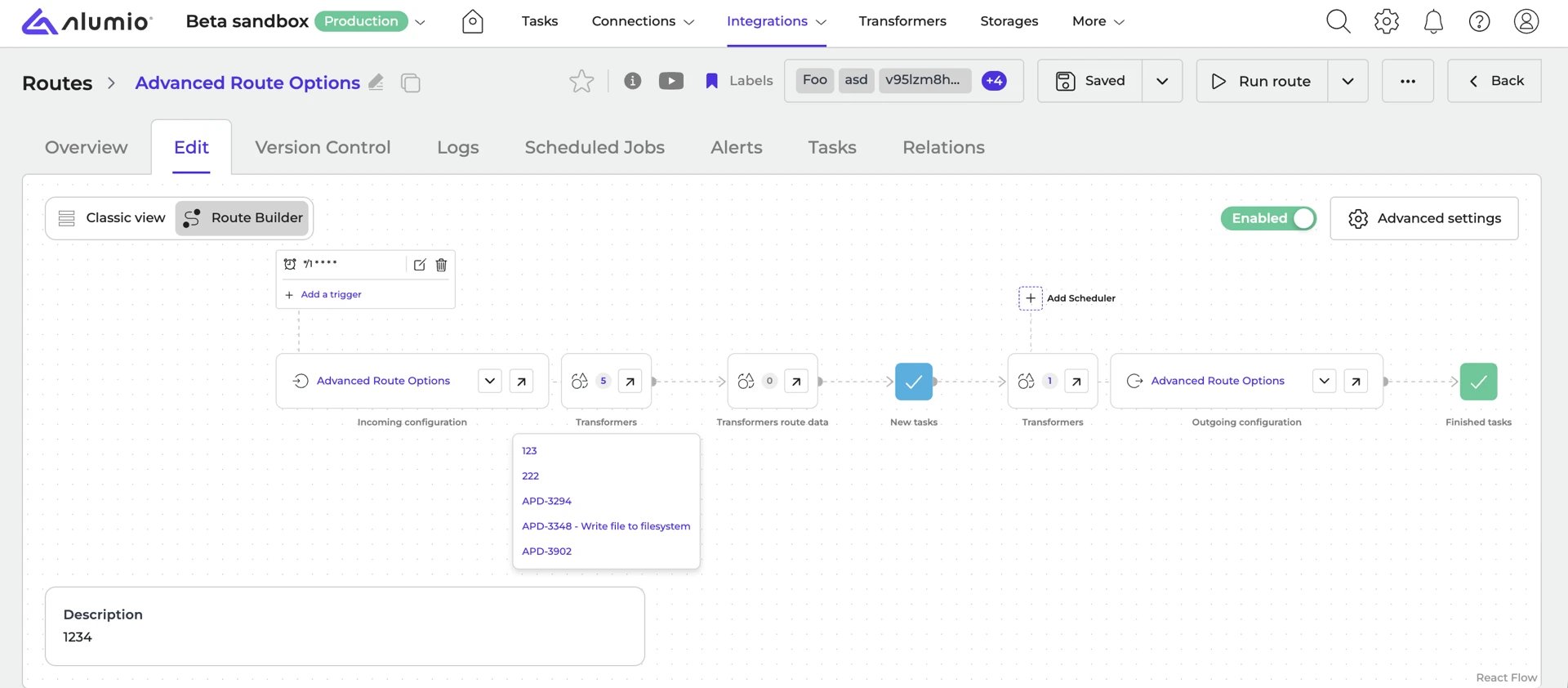
A redesigned conditional layout for Transformers
The conditional layout for Transformers has been redesigned to be easier to work with, including an expand all/collapse all option and a remembered preference for how forms open.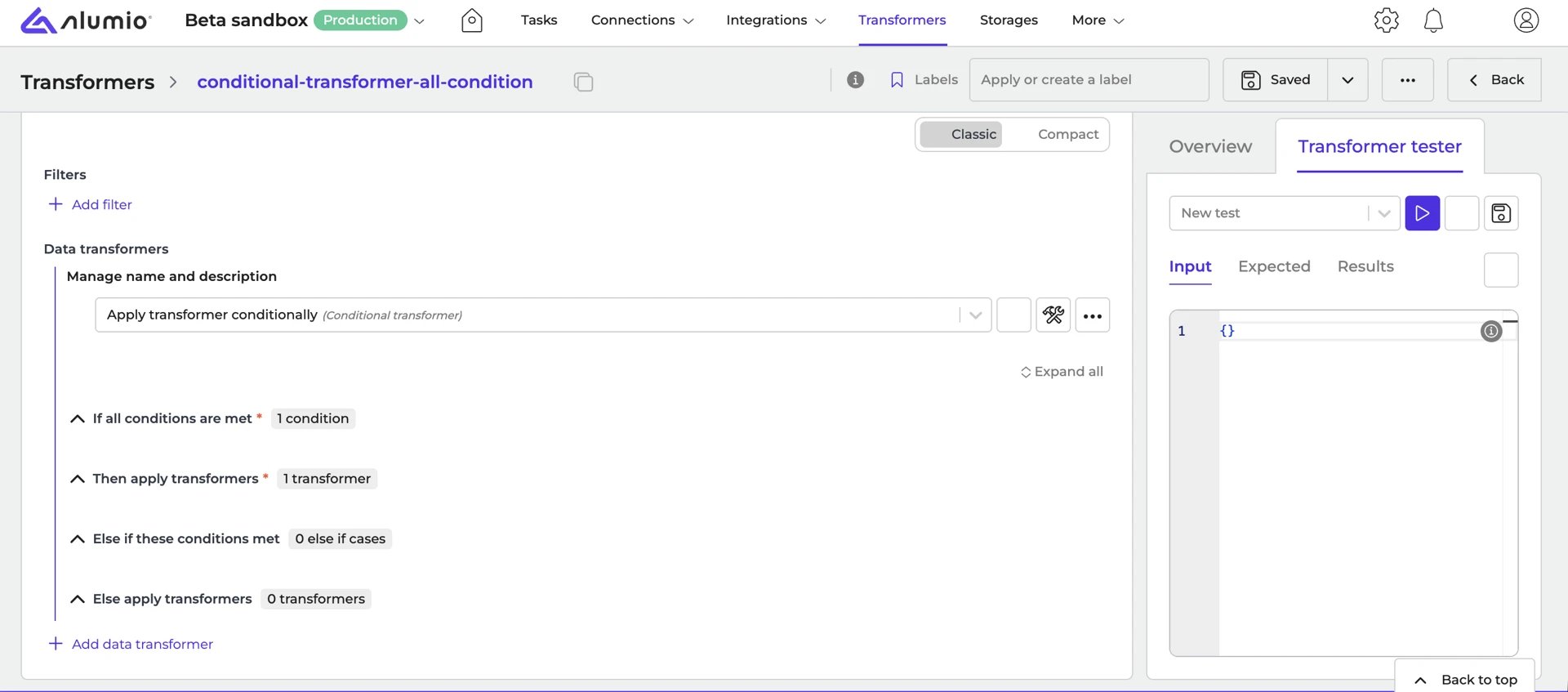
Get alerts in Slack and Microsoft Teams
You can now add Slack and Microsoft Teams as recipients for alerts, so your team gets notified directly in the tools you already use.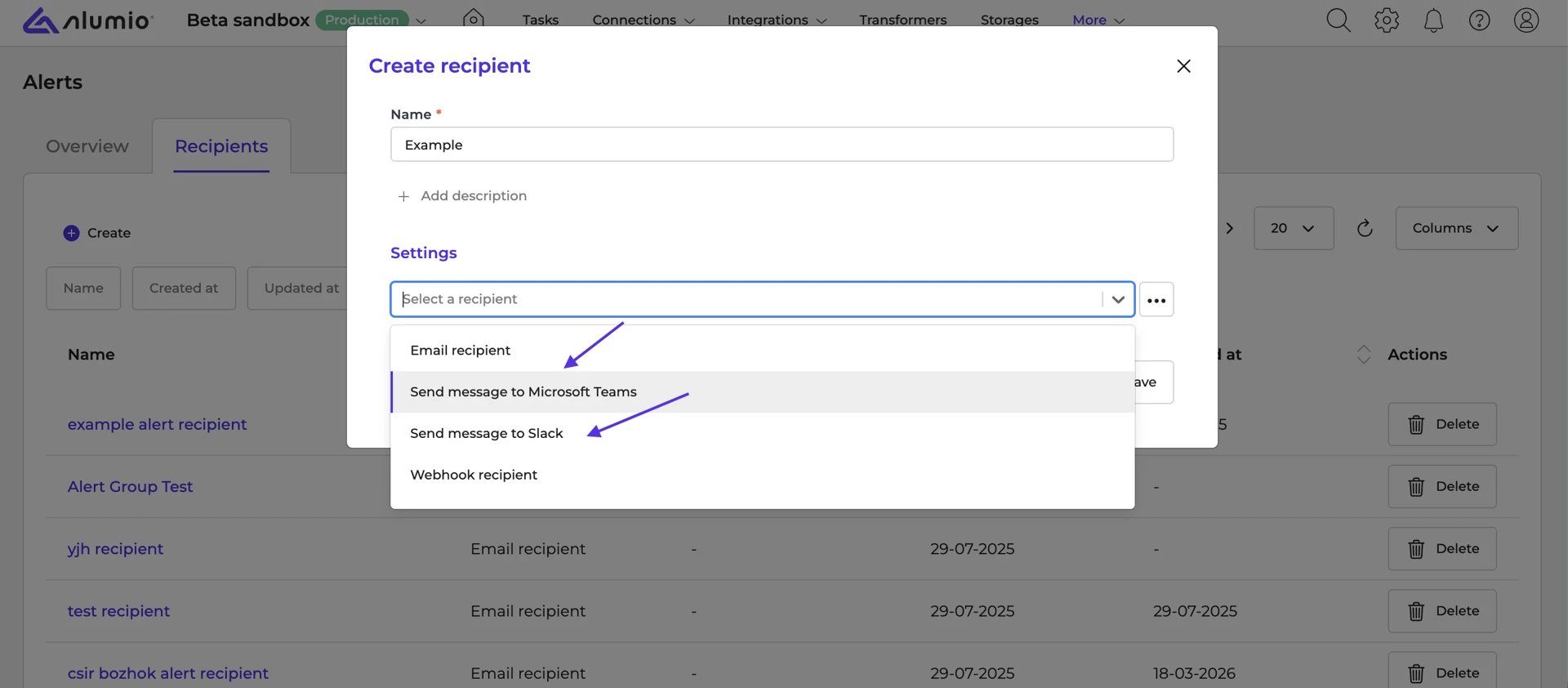
Edit task data without reprocessing
You can now edit the entity data of a Task directly from the Task detail page, avoiding the need to reprocess or restart a Task after a failure.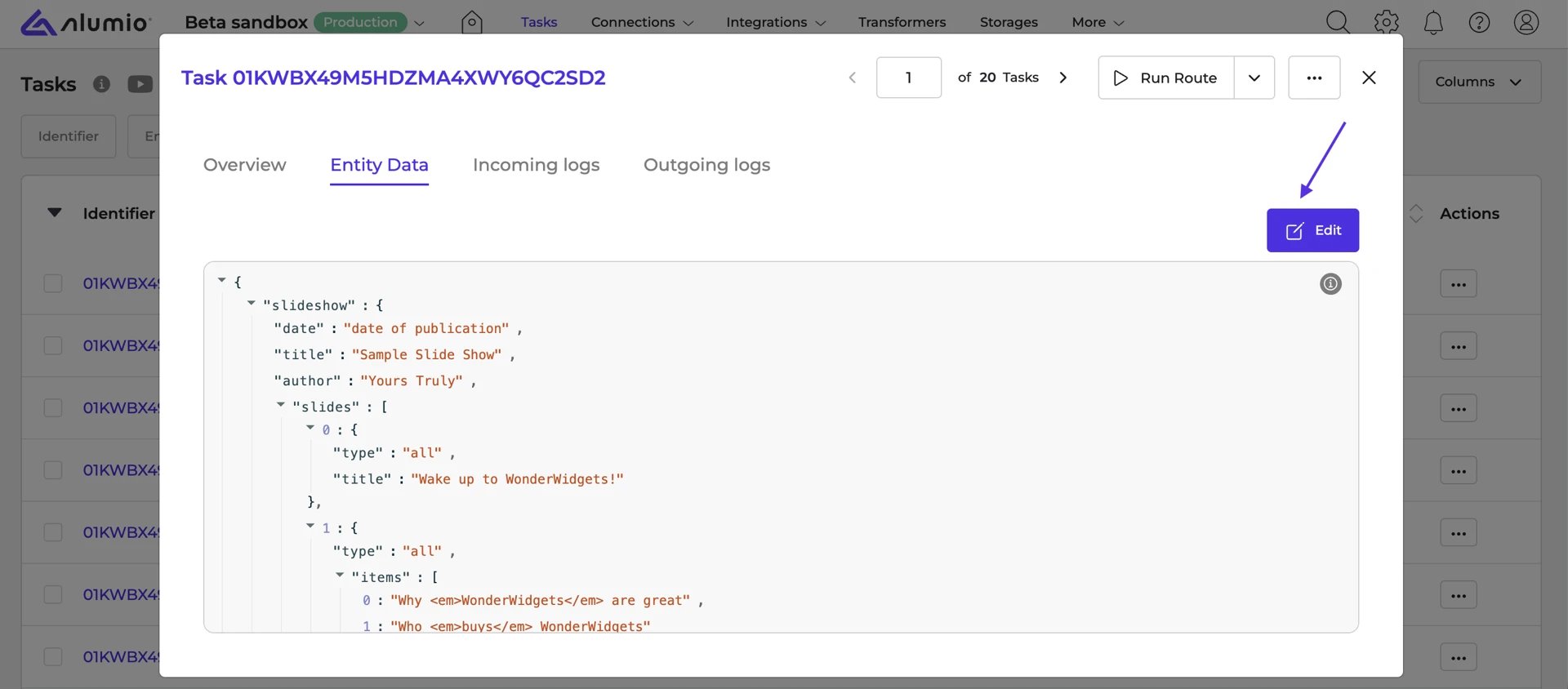
A faster, more reliable dashboard
The dashboard has been upgraded to a newer technical foundation, making the interface faster and more reliable.Fixed the Transformer tester visibility in the Route builder
Fixed a bug where the Transformer tester showed or hid incorrectly when creating or editing Incoming/Outgoing configurations in the Route builder.Release schedule
- Release candidate 3.117.0-RC1: scheduled for deployment in week 28 (sandbox environments)
- Stable release 3.117.0: scheduled for deployment in week 30 (production environments)
- Important: these dates apply only to environments configured with the ‘Latest’ update cycle. Find more information on how to update your environment.