
- [NEW] Alumio Spaces is now live! An Alumio Space is a dedicated environment within the Alumio iPaaS (Integration Platform as a Service) that is exclusively managed by Alumio Spaces Partners. It empowers you to efficiently oversee and manage various customer integrations from one central hub. It also provides the flexibility to customize and grow each customer’s integrations, without impacting other spaces. Read more about Alumio Spaces management
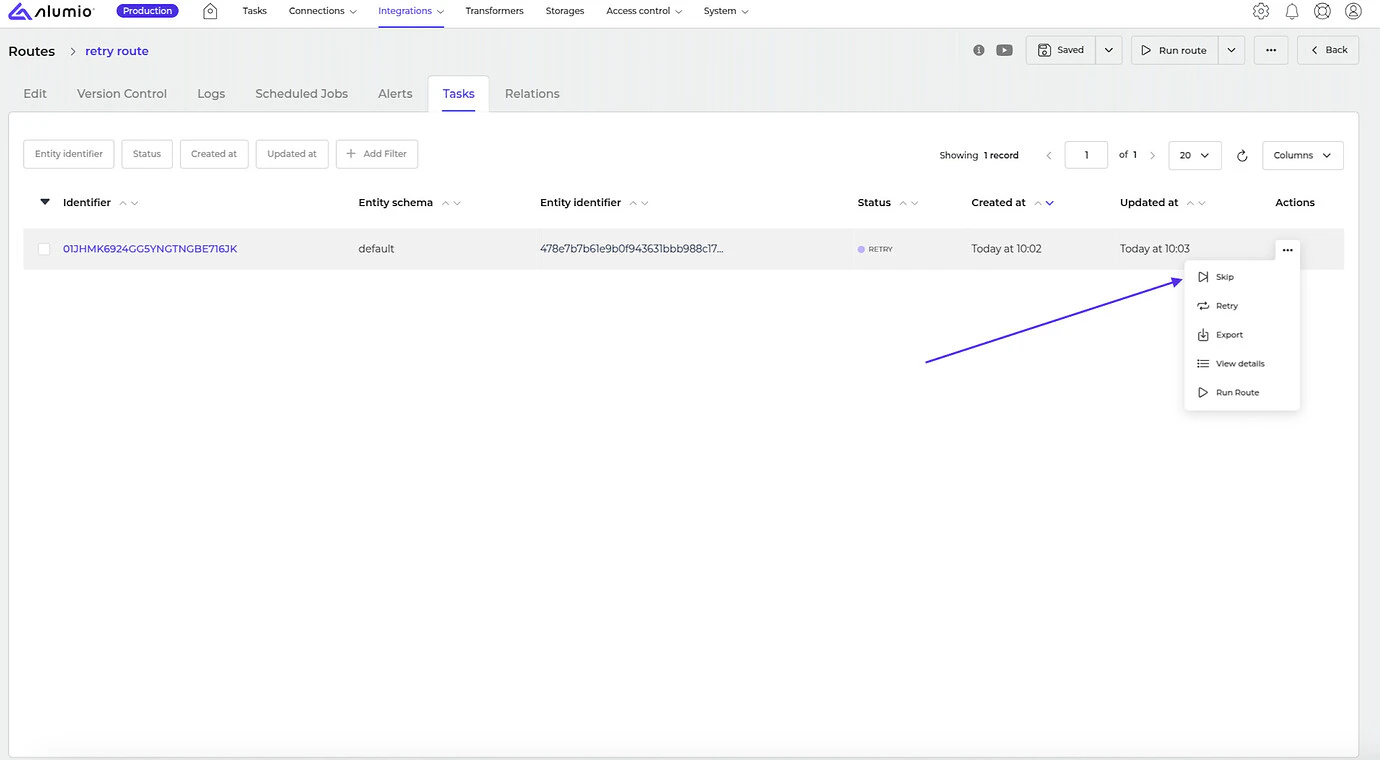
- [NEW] You can now also choose to skip Tasks with the “Retry” status.
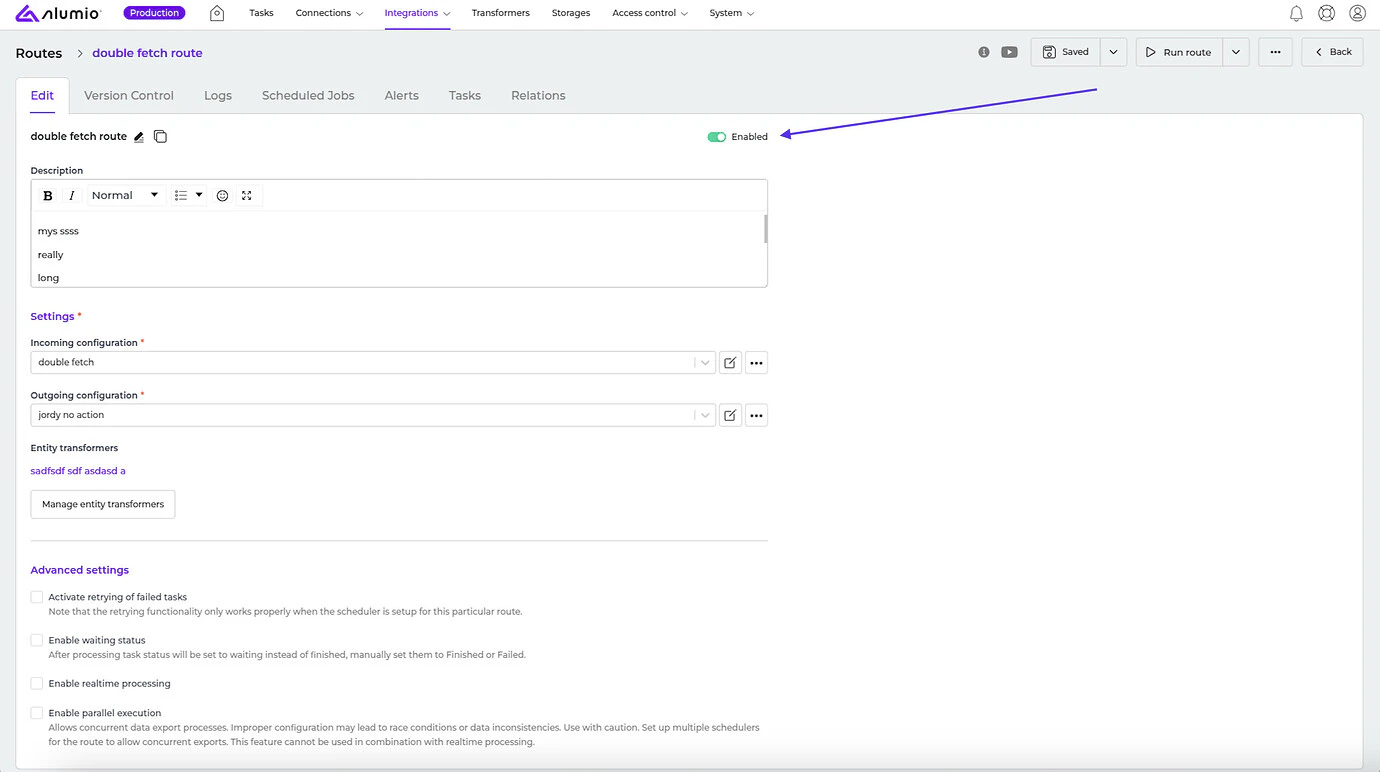
- [NEW]** We’ve removed the ability to disable most types of configurations. This will only now be applicable for Routes, Schedulers, Webhooks, and Proxies.
- [NEW] We now support new hashing algorithms PS256, PS384, and PS512 to the NetSuite OAuth2 authentication.
- [NEW] We solved an issue that occurred when using a filter with a long loading time and then applying a filter that loads quickly. This would result in displaying the wrong data that didn’t match the last selected filter.
- [NEW] We also fixed a bug where the service worker cache worked incorrectly and caused the loading of outdated prototypes for clients.
- Due to the big features introduced with Alumio version 3.79.0, we have combined its release with Alumio version 3.80.0. Please check the release notes for this version to view the exact release dates.