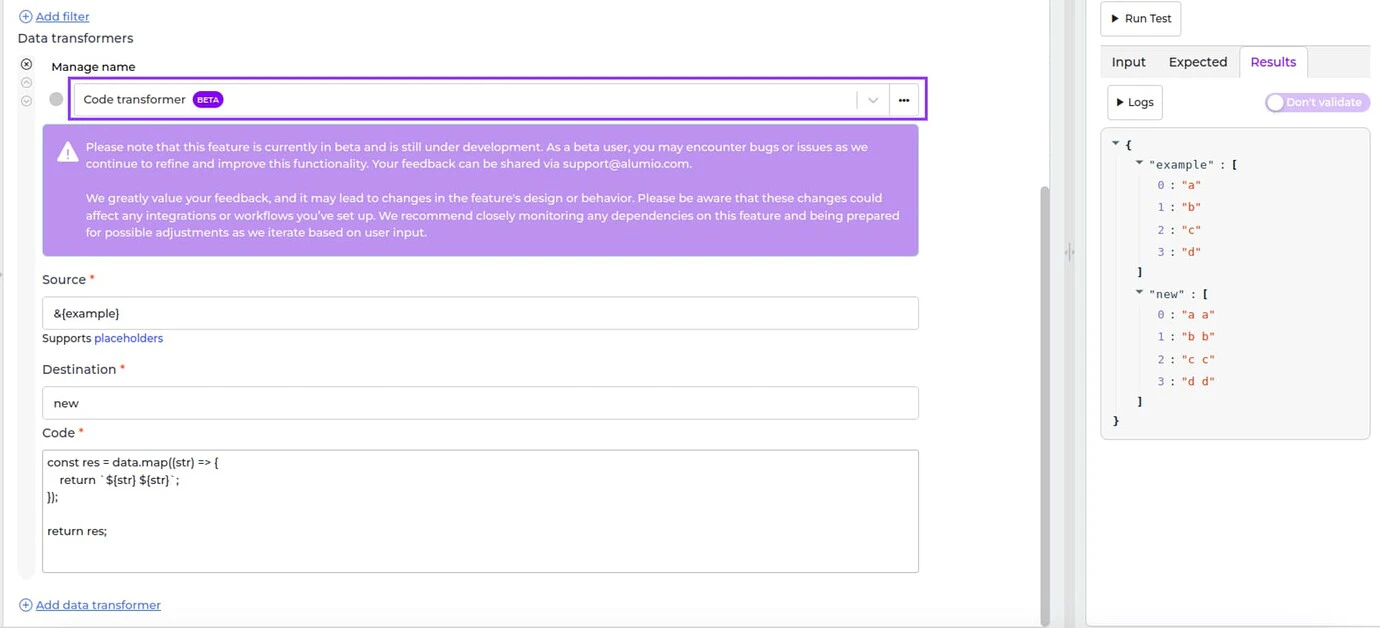
- [NEW] We are happy to introduce a big, new transformer in Alumio called the Code Transformer! It’s currently available for specific clients and partners. If you would like to join the beta program for the Code Transformer, please contact your Customer Success Manager. During the beta program we will only make the transformer available on UAT environments. Once the beta program has ended, the functionality will become available for everyone to use.
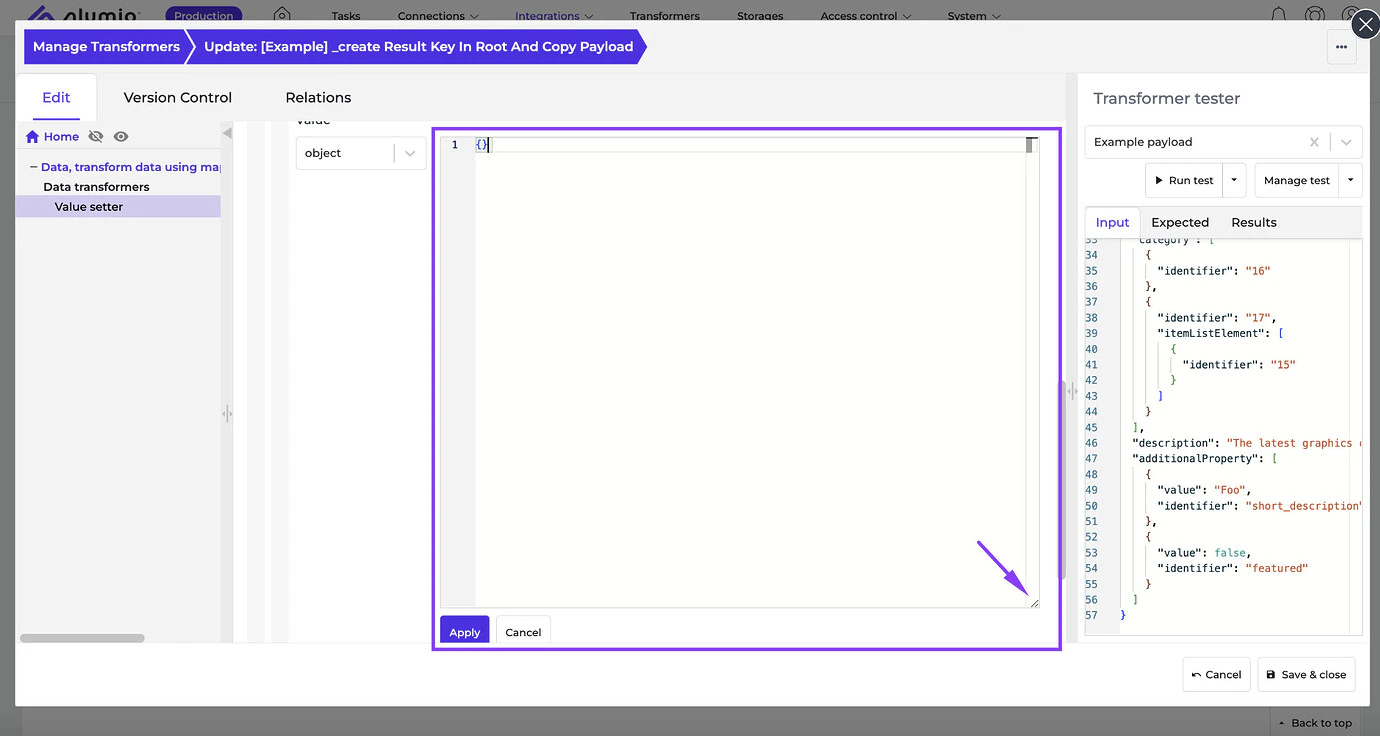
- [NEW] The JSON editor has become resizable, therefore, it’s now possible to write long code using a custom editor size without UI issues.
- [NEW] Solved an issue where invoking stored procedures from the Database transformer failed to execute stored procedures causing unexpected behavior.
- [NEW] Fixed a bug where creating a new HTTP Client using the Oauth2 authentication type would fail - due to missing the Grant Access button in the Quick Wizard.
- Outlook Connector, v1
- Pulseway Connector, v3
- BlueSnap Connector, v3.0
- Mollie Connector, v2
- Release candidate 3.69.0-RC1: will be installed on September 02-05, 2024 (Sandbox environments)
- Stable release 3.69.0: will be installed on September 17-19, 2024 (Production environments)