
Here’s what’s new and improved with Alumio version 3.123.0:
New and improved
Set a default log level in your user preferences
You can now set your default log level on the user preferences page. Log views will open using that level from then on, so you no longer have to reselect it each time. The colors and icons for debug and notice level logs have also been updated for better clarity.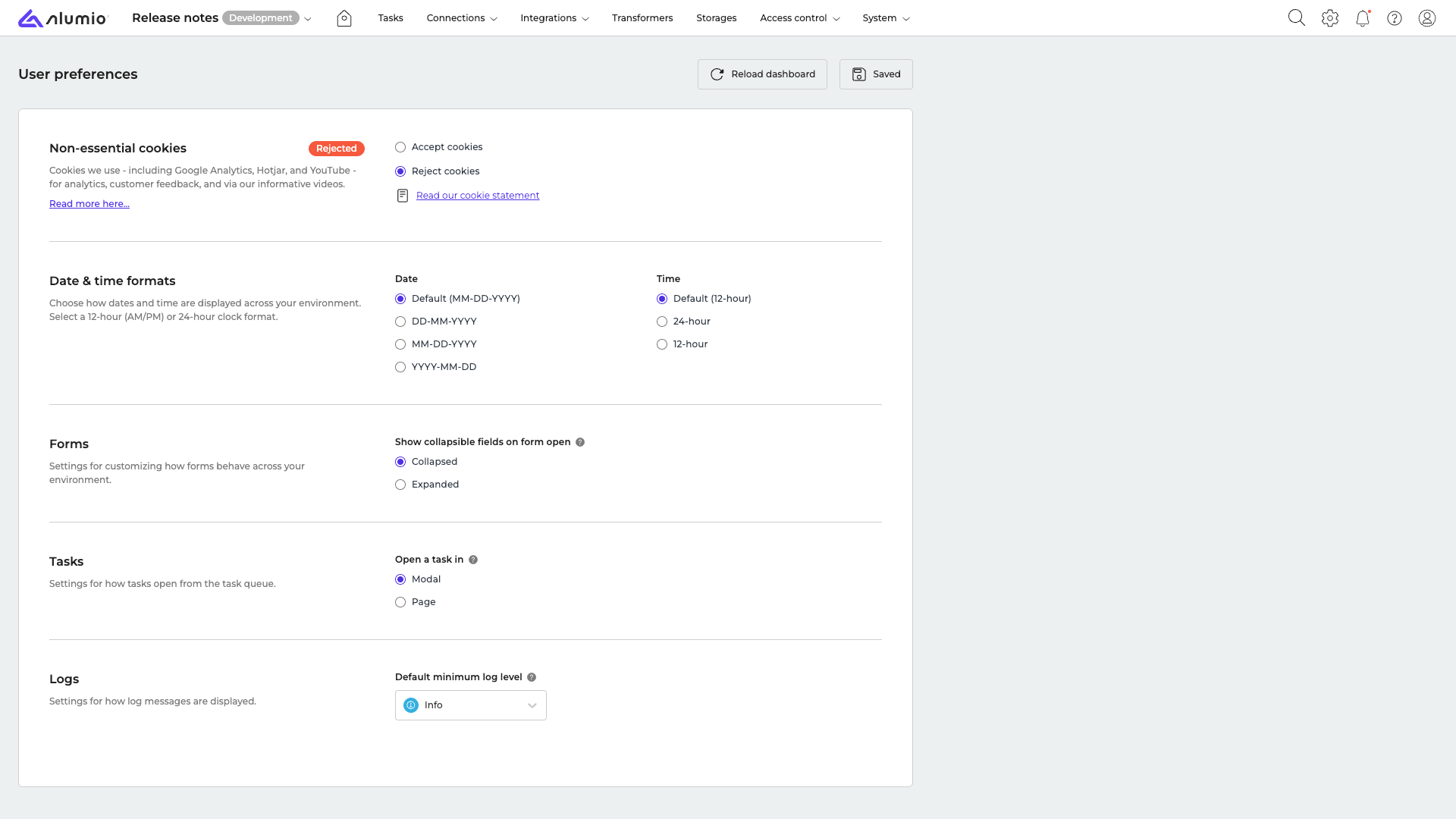
Support for Uniform Bucket-Level Access in the GCS Filesystem connector
The Filesystem connector now supports Google Cloud Storage buckets that use Uniform Bucket-Level Access, so you can write files to these buckets without running into access errors.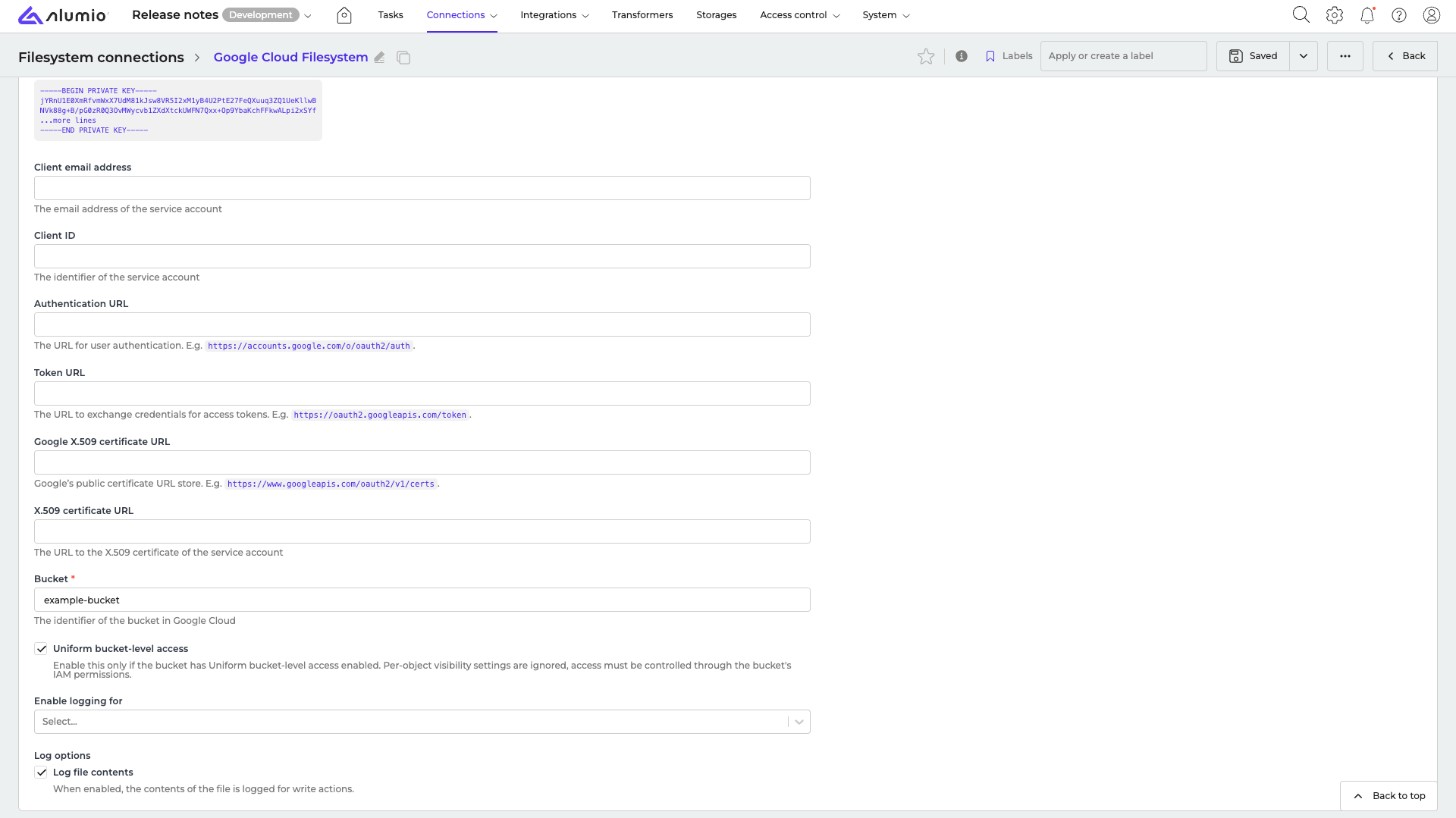
Add attachments to emails sent through the Email Transformer
You can now include attachments when sending emails through the Email Transformer.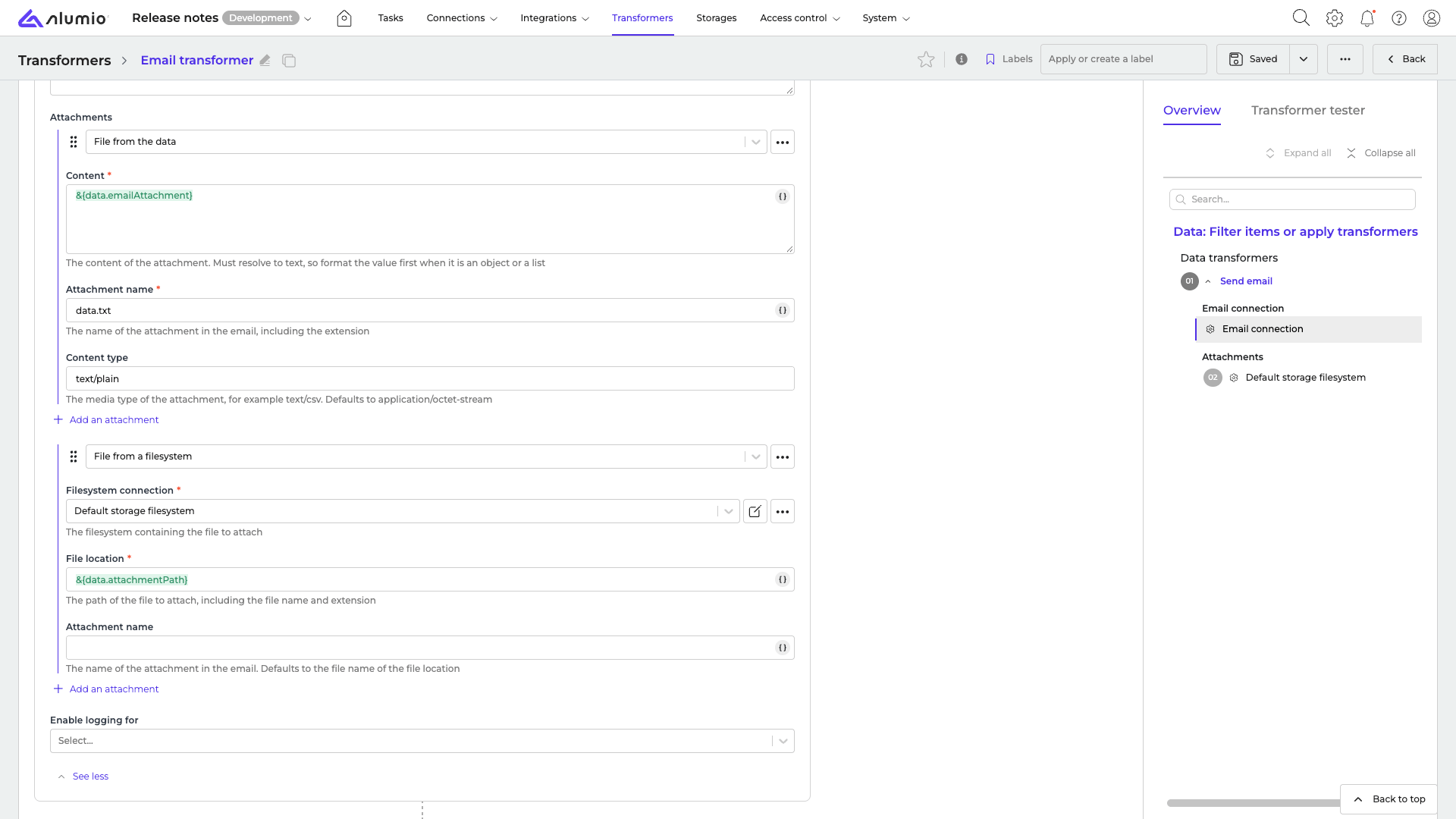
Disable CDATA wrapping in the cXML formatter
The cXML formatter now includes an option to disable CDATA wrapping, matching the flexibility already available in the XML formatter.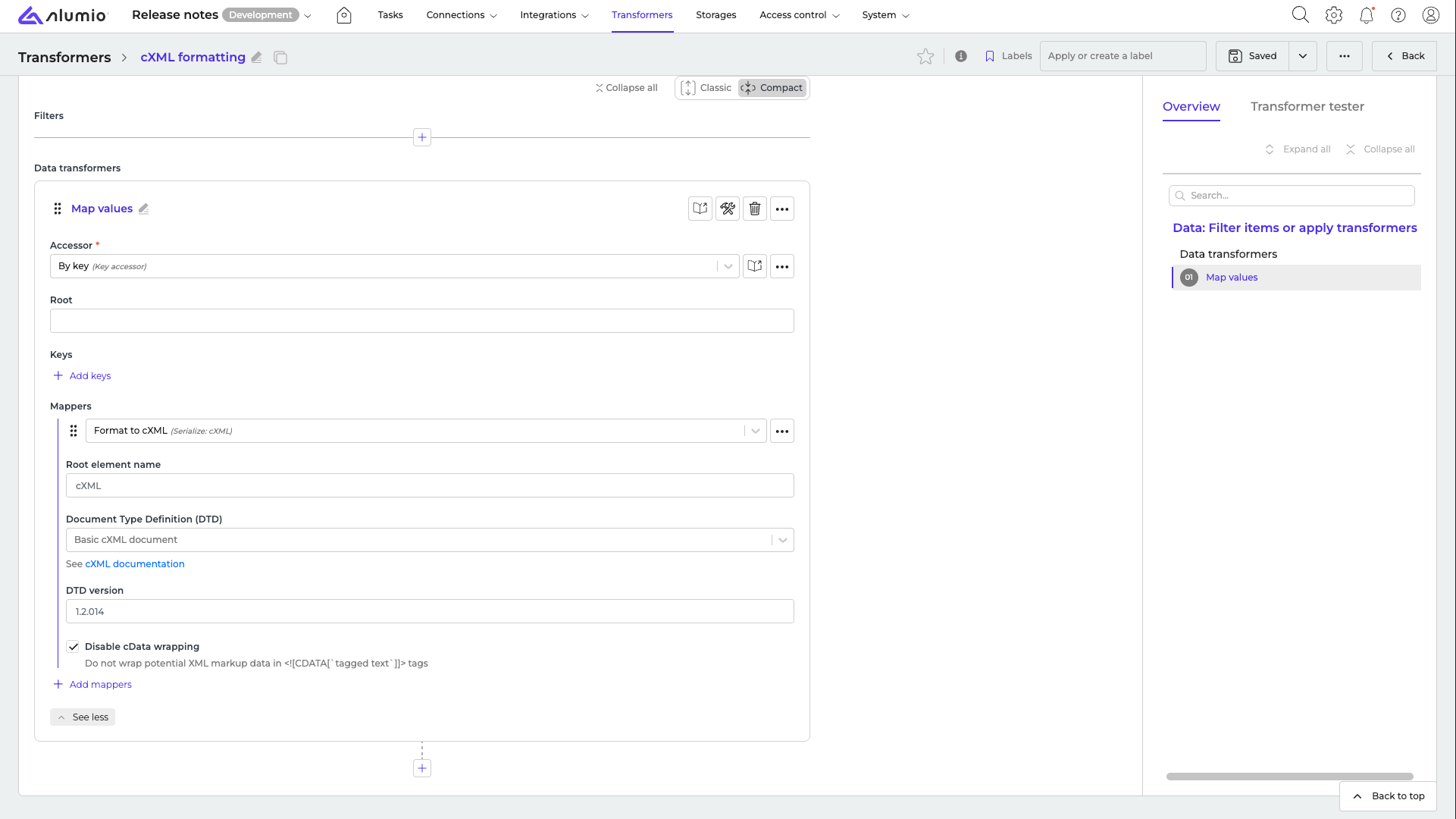
Keyboard navigation for form elements
Form elements can now be navigated and used with your keyboard, with a clear visual indicator showing which field is currently focused.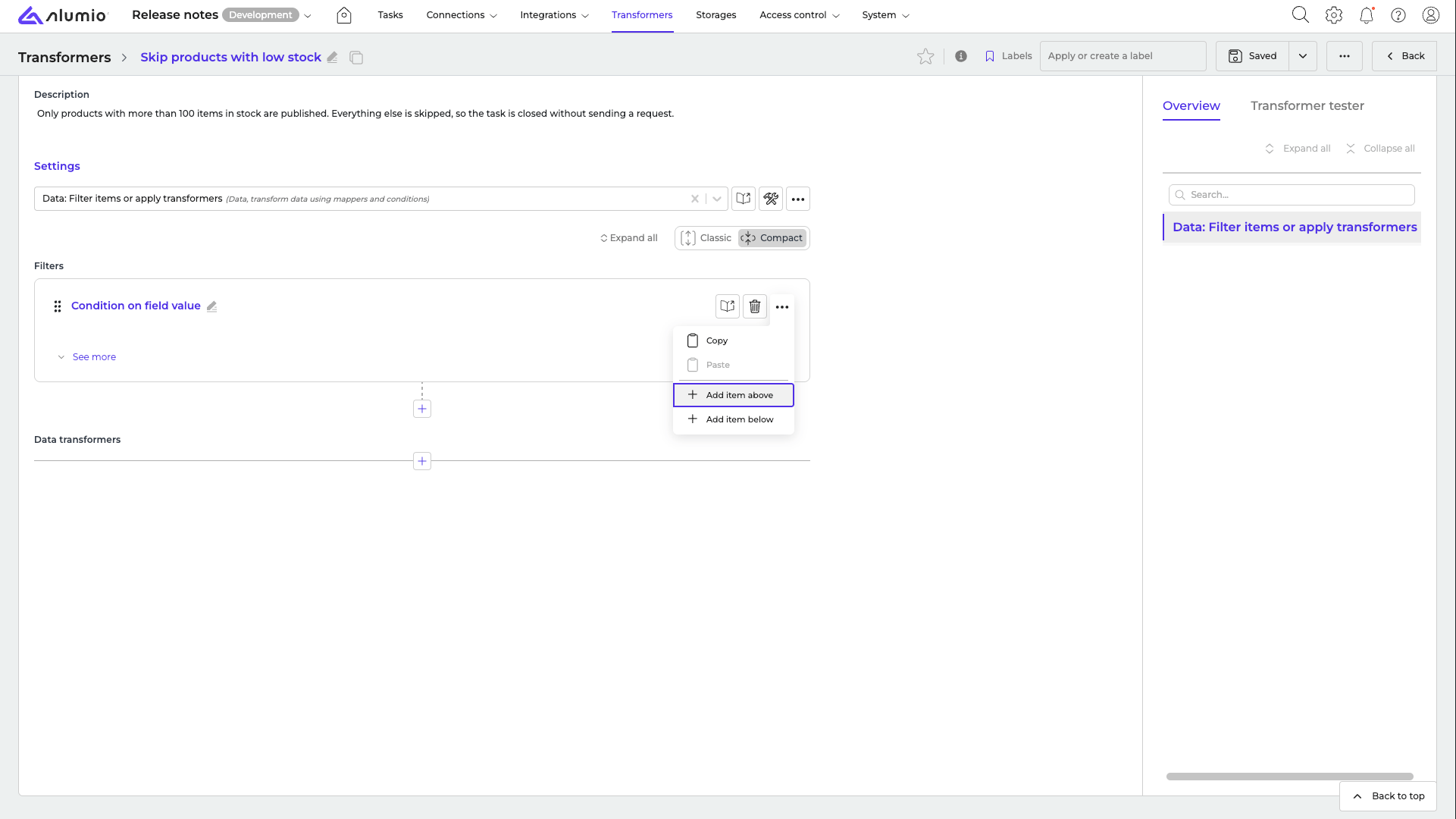
Fixes
Fixed forms failing to render with complex JMESPath placeholders
Forms with a complex JMESPath expression in a placeholder no longer fail to load. You can now save and reopen these configurations without errors.Fixed email servers not showing up in the relations tab
SMTP server configurations used by a “Send email” transformer now correctly appear on each other’s relations tab, so you can see the connection between them in both directions.Release schedule
- RC available on Sandbox: week 40
- Stable release on Production: week 42
For more information about our release process, check out our release notes overview.