
Fetching Language from Akeneo
- In Alumio, go to “Integrations → Incoming → Shopware - Fetch - Language”. To ensure accurate multilingual data synchronization between Akeneo and Shopware, it is essential to fetch the list of languages configured in Shopware and map them against the locale codes defined in Akeneo. Shopware identifies languages using UUID-based language IDs, while Akeneo uses ISO locale codes such as en_US, de_DE, or fr_FR. Because these systems use different identifiers, the integration must first retrieve all languages from Shopware via the Admin API (GET/api/language) and read the associated locale. code value. Once the Shopware locale code is obtained, it can be matched with Akeneo’s locale code, allowing the integration to send translated data under the correct language ID in Shopware’s translations payload. Without this incoming configuration, translations from Akeneo cannot be correctly aligned with the corresponding languages in Shopware.
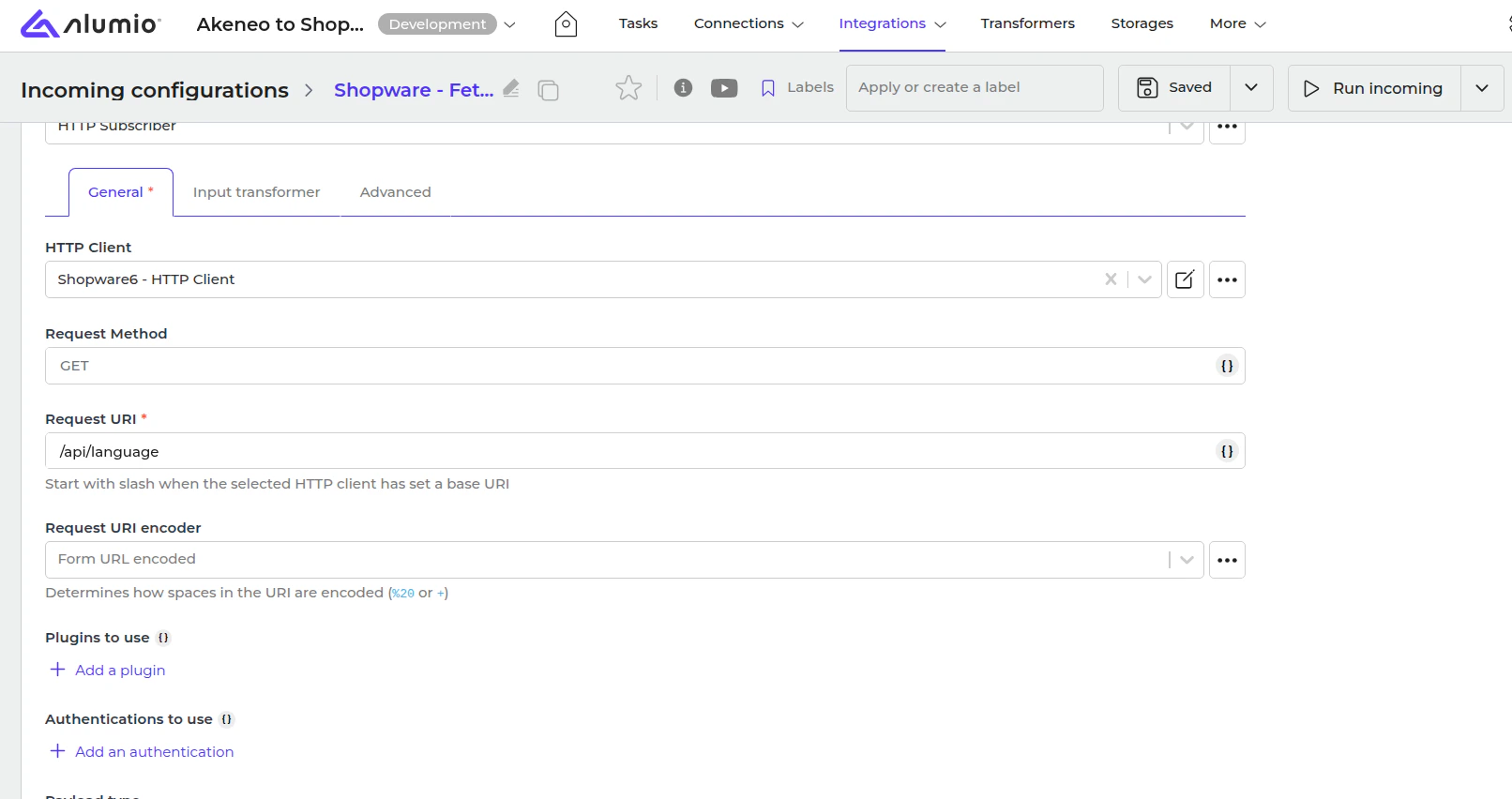
This transformer will update Alumio storage with Shopware locale ID based on the locale code