
- Log in to your Alumio dashboard.
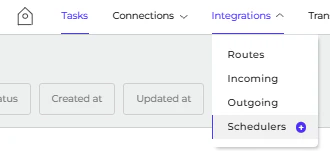
- Navigate to Integrations > Schedulers.
- Pick up Scheduler for export. Currently, 8 Schedulers can be exported, as displayed below.
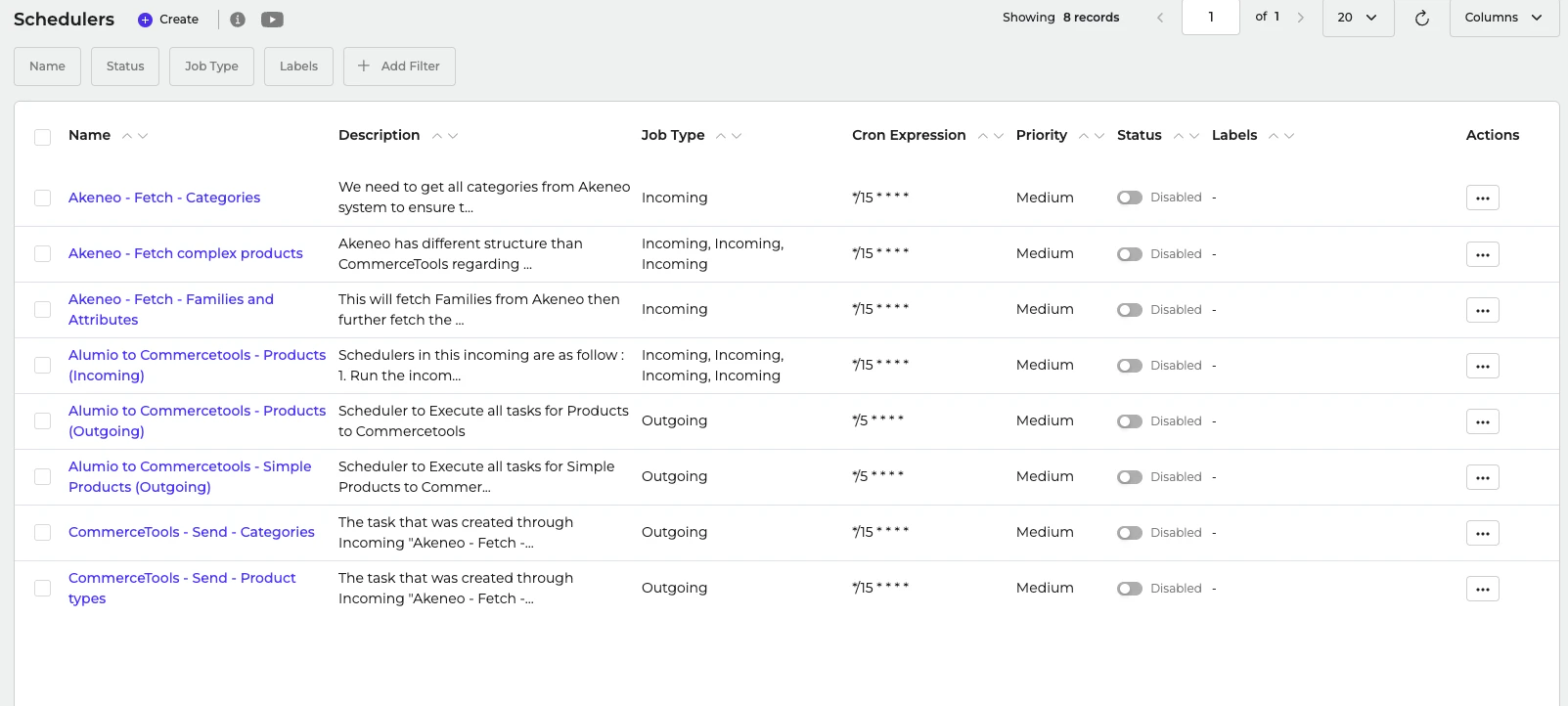
- You can export single or multiple Scheduler.
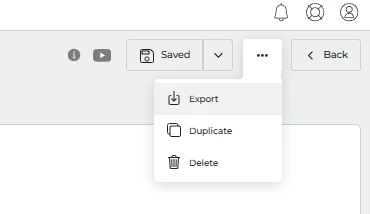
- For a single Scheduler, navigate to one of the configurations in Scheduler > … (Three dots on the top right) > Export.
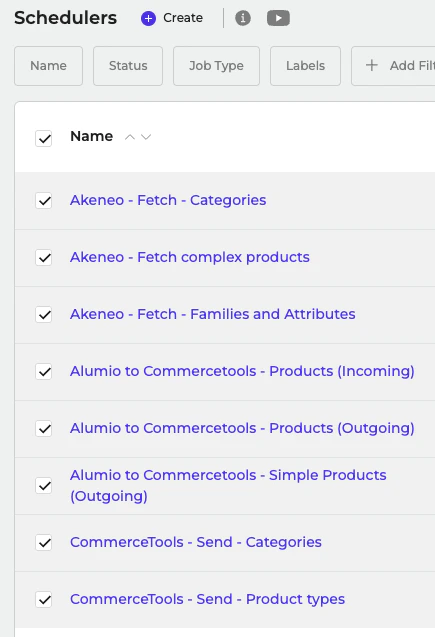
- To export multiple Schedulers, mark checkbox Scheduler > Export (top right).
- A .ndjson file will be downloaded.
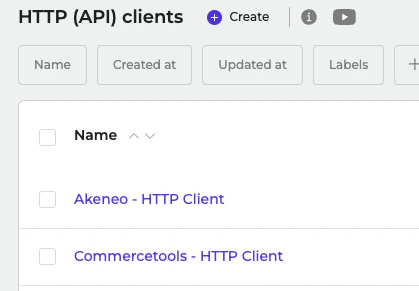
- You can find the Environment Variable used in Connections > HTTP (API) Client.
- Here is the list of HTTP (API) Clients used.
- Here is the list of Environment Variables used. You can create it on System > Environment Variables.
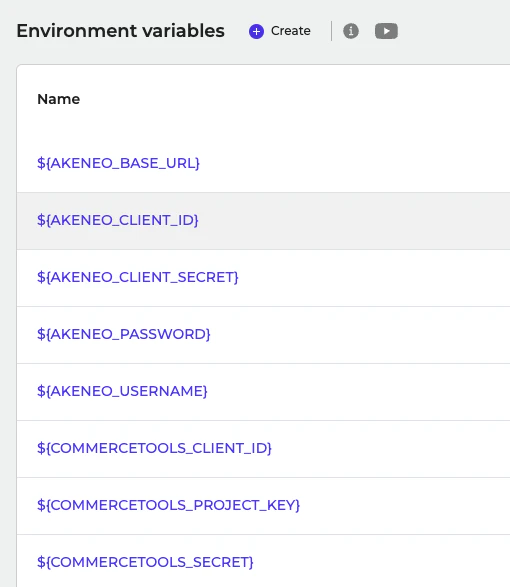
- Here is the list of Environment Variables used. You can create it on System > Environment Variables.