
Introduction
Akeneo has a different structure than CommerceTools regarding product data structure. There is some relation between products and product models, which will be transformed into products and product variants in CommerceTools. We make an Alumio-based product model to accommodate this.Fetching Variants of the Product from Akeneo
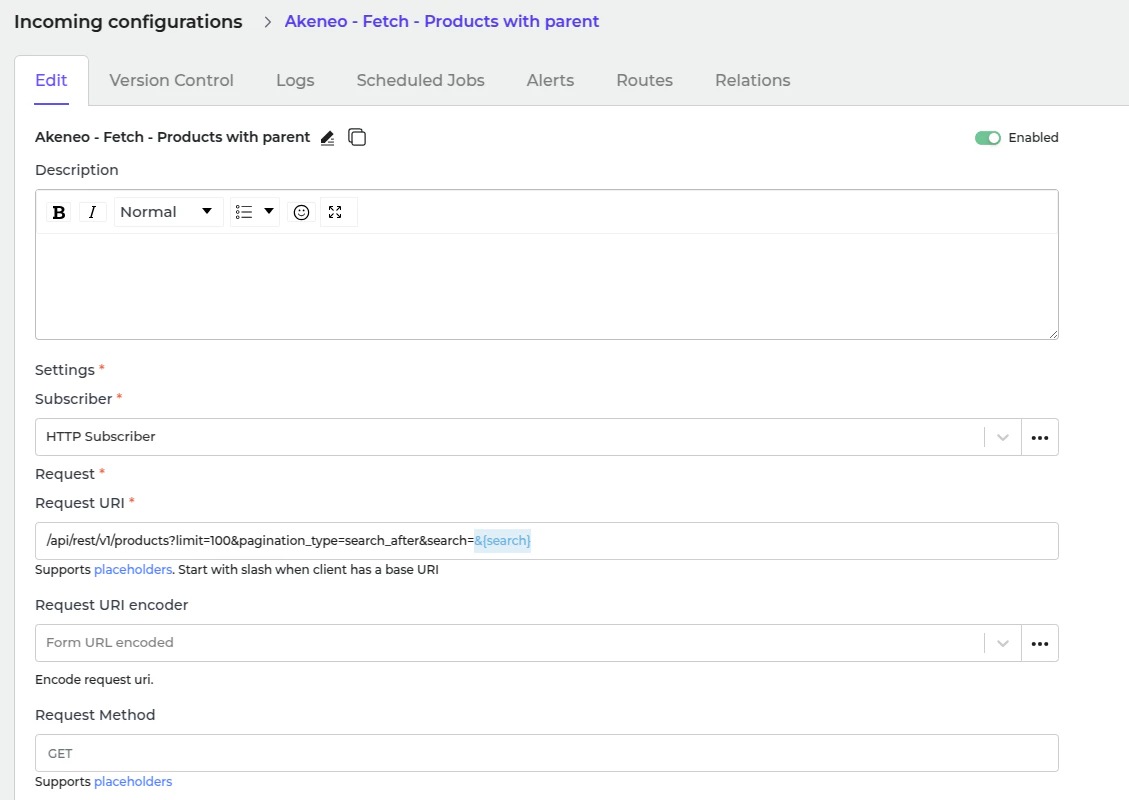
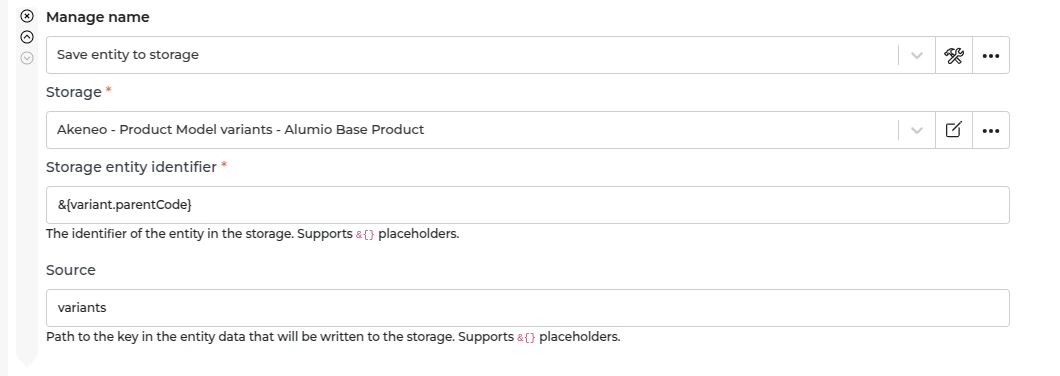
- In Alumio, go to “Integrations → Incoming → Akeneo - Fetch - Products with parent”. We defined variants as the product of a product model. Before we fetch the product model in Akeneo, we need to prepare the variants first (the product of the product model). This Incoming is designed to get products in Akeneo which have a parent, so we can be sure this will be a variant from the product model. This Incoming will not create any task but will update the storage of “Akeneo - Update Storage - Product Model Variants - Alumio Base Product” with a list of product data in Alumio base product data.
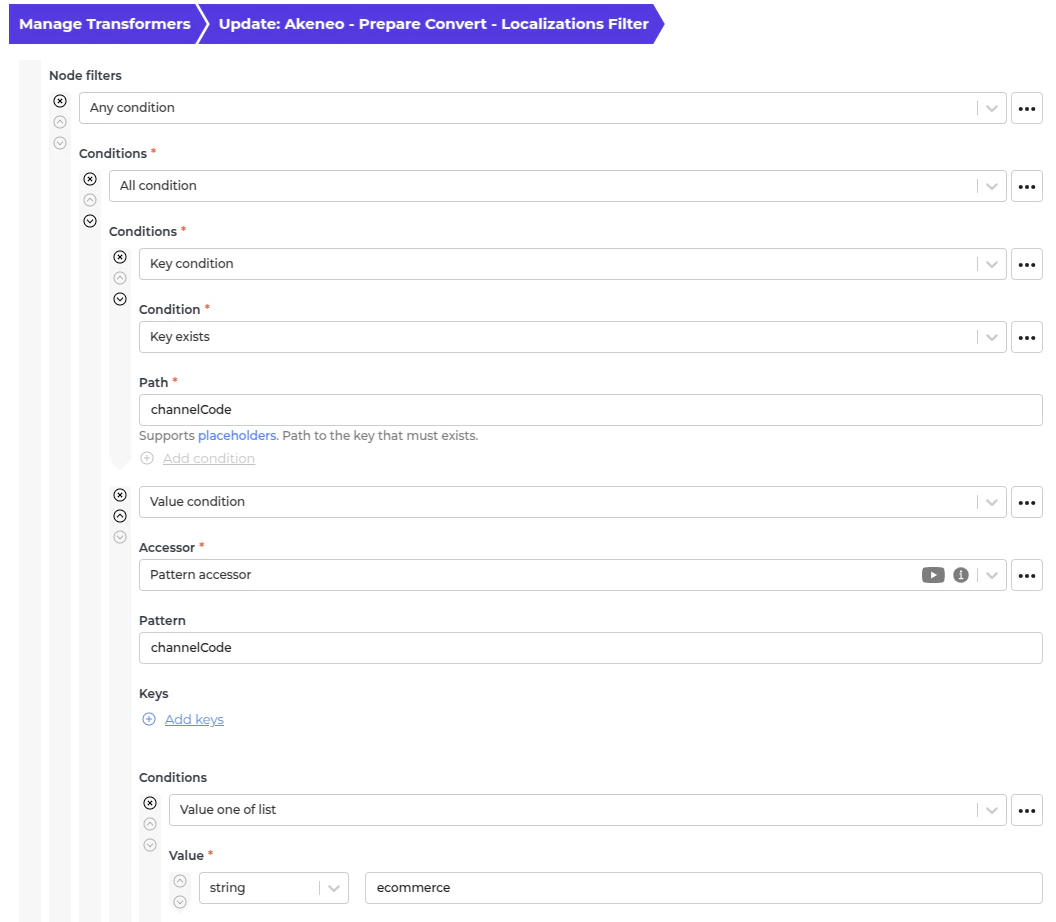
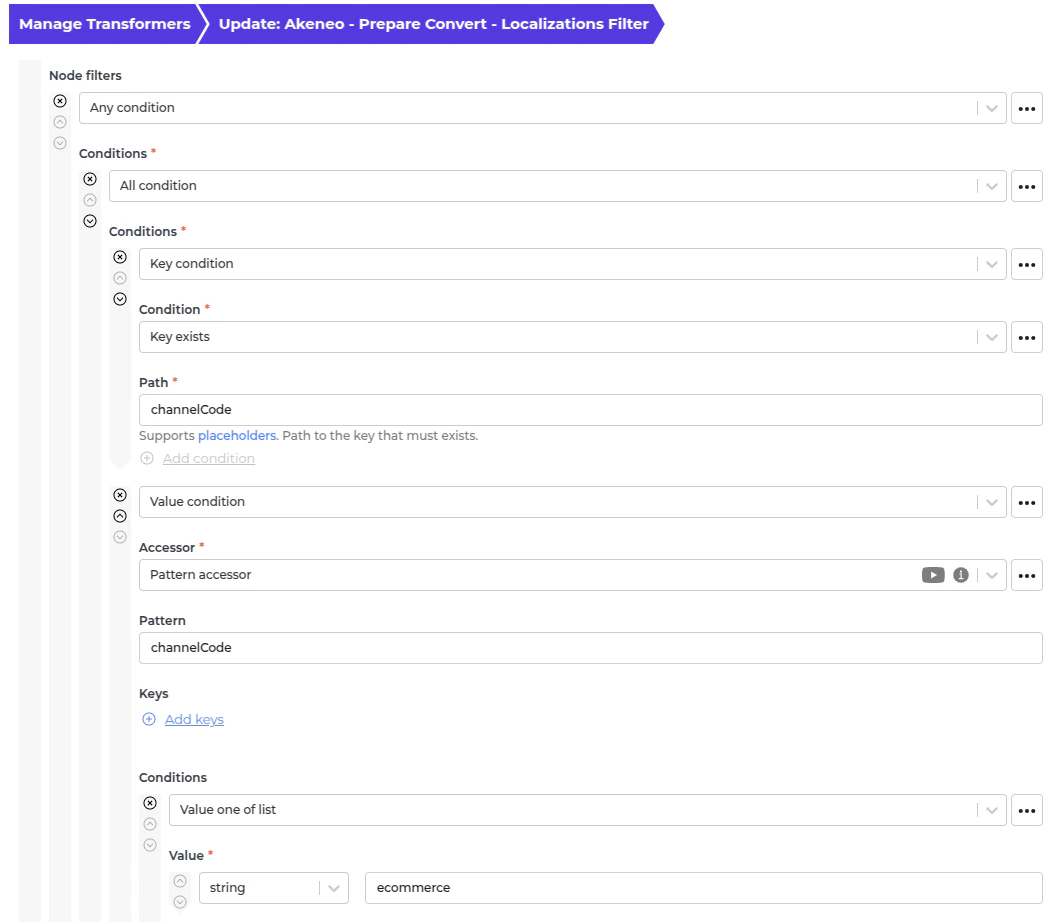
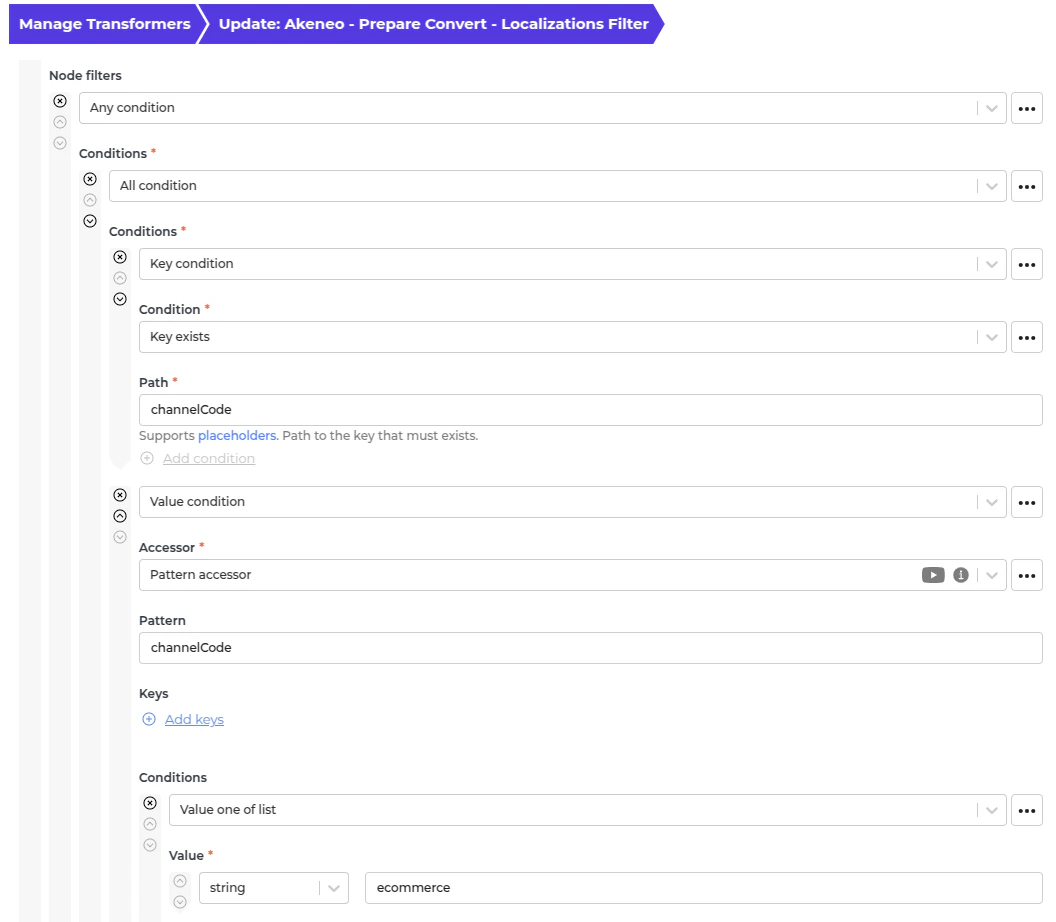
- Use this transformer to only allow any localization with a channel code in “eCommerce” if it has the channel code. If you need another channel code, add the value in the Node Filter.
Fetching parent product model from Akeneo
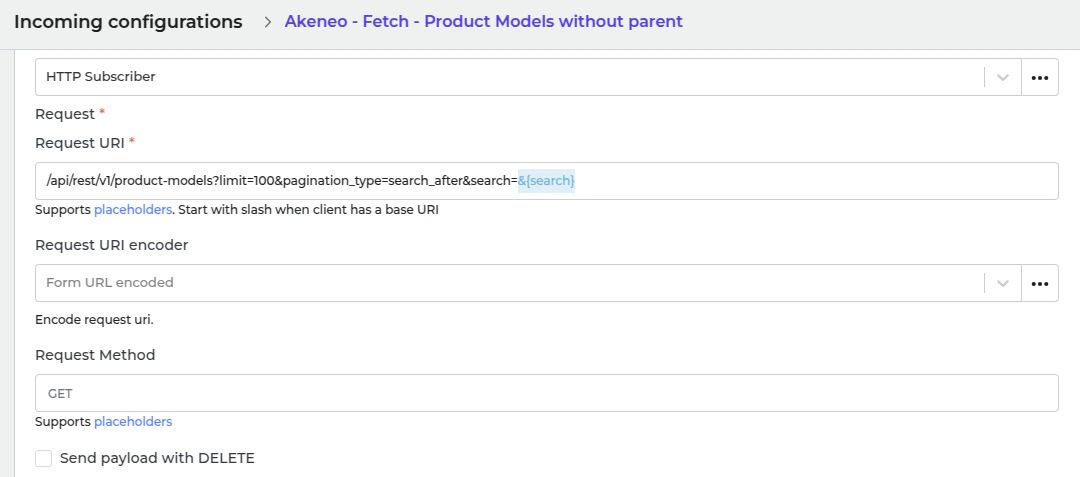
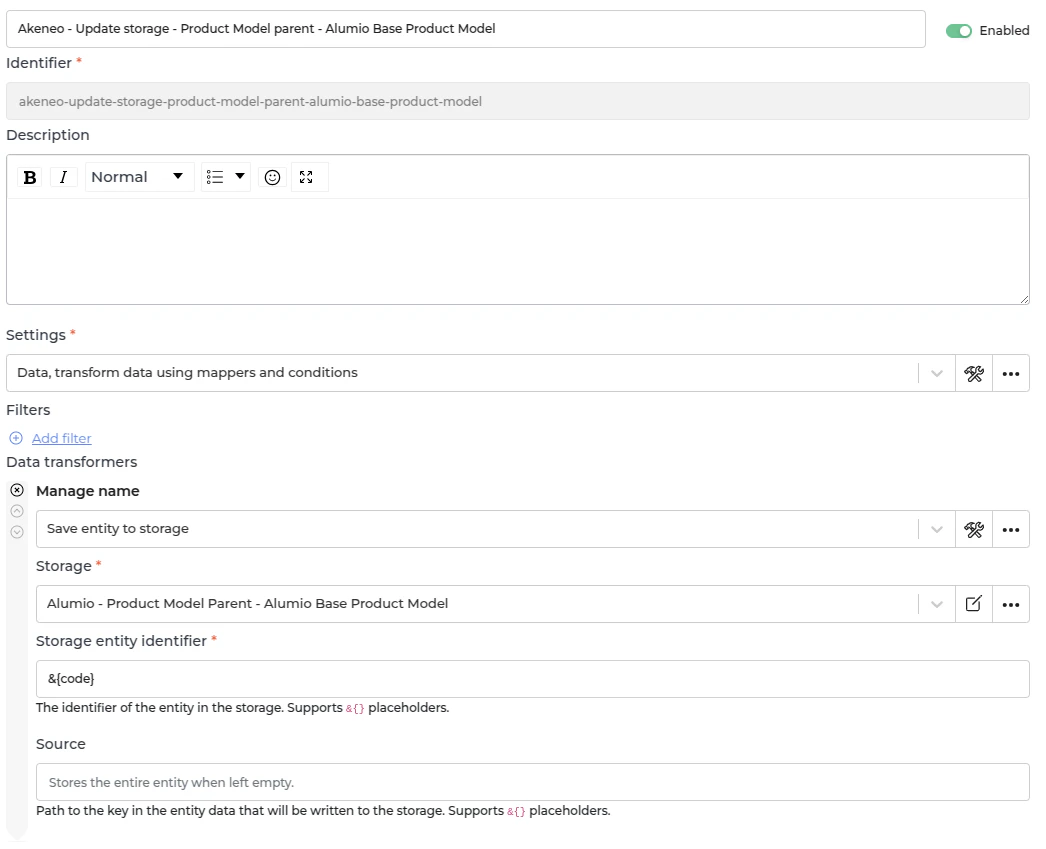
- In Alumio, go to “Integrations → Incoming → Akeneo - Product Models without parent”. Parent product model in Akeneo has a probability to have children, which is another product model or variant, which is the product of the product model. This Incoming is designed to get a list of product model which is the top parent or doesn’t have a parent. This Incoming will not create any task but will update the storage of “Alumio - Product Model Parent - Alumio Base Product Model” with parent product model data in the Alumio base product model.
Fetching Children Product Model from Akeneo
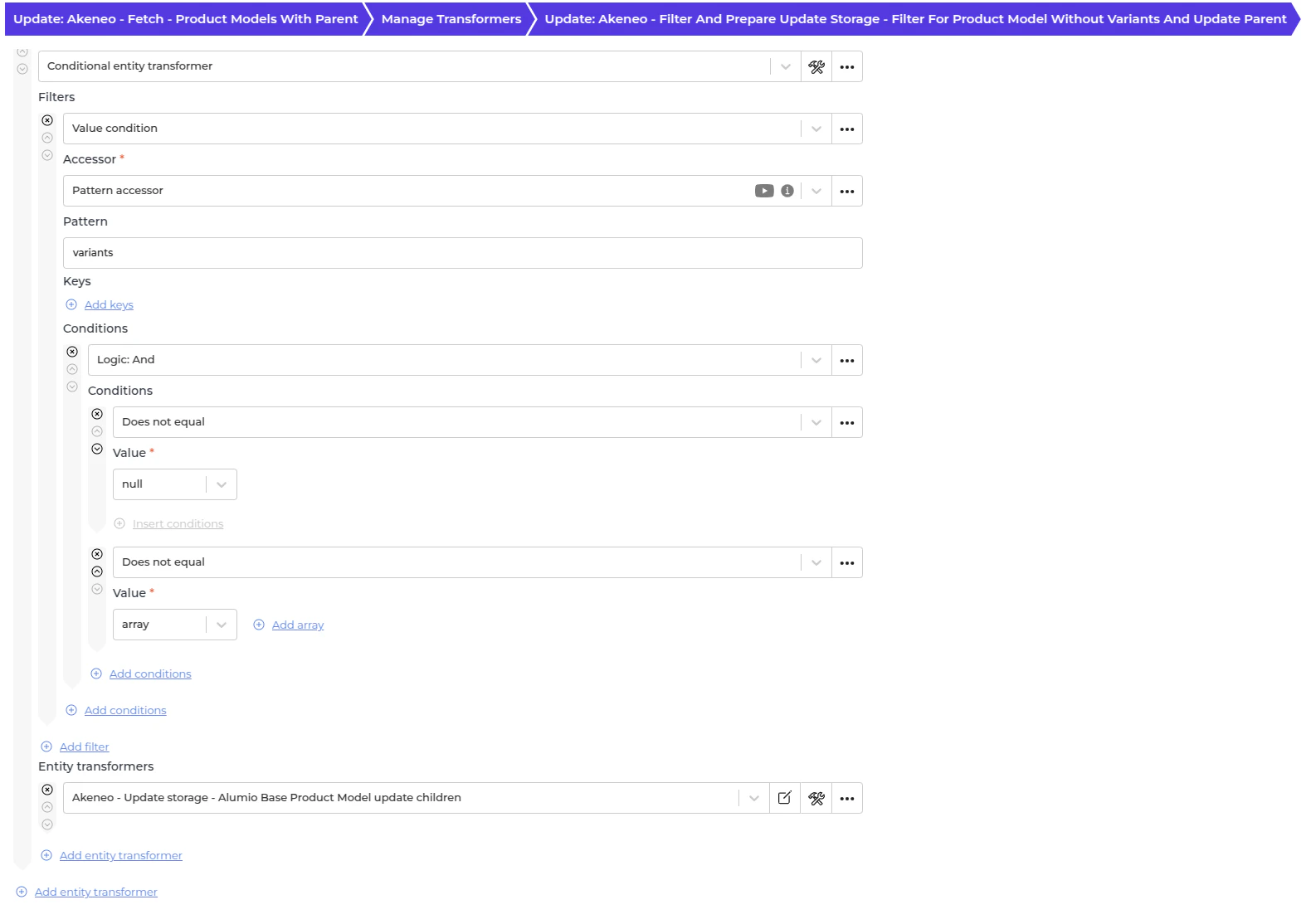
- In Alumio, navigate to “Integrations → Incoming → Akeneo - Fetch - Product Models with parent”. Once the parent and variant data for a product model are retrieved, this configuration fetches the associated children. Rather than creating new tasks, this “Incoming” updates the “Alumio - Product Model Parent - Alumio Base Product Model” storage, appending the child product model data to the existing Alumio base product model.
Fetching simple products from Akeneo
In Alumio, go to “Integrations → Incoming → Akeneo - Fetch - Simple products or products without parent”. There are some product data without a product model in Akeneo. This will become a simple product for other systems. Akeneo - Prepare convert - Values - To localizations and custom attributes This transformer converts localizations data from Akeneo.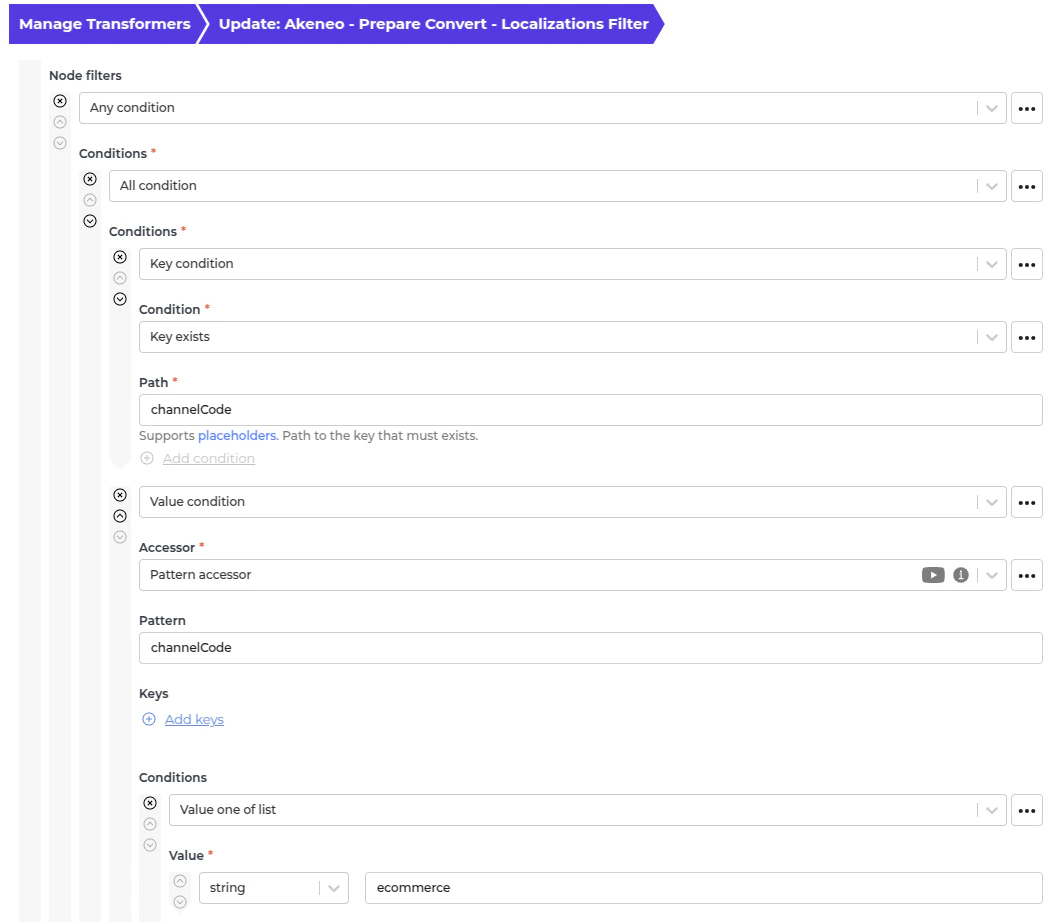
Automatic fetching of product data from Akeneo to Alumio
- In Alumio, go to “Integrations → Schedulers → Akeneo - Fetch complex products”.
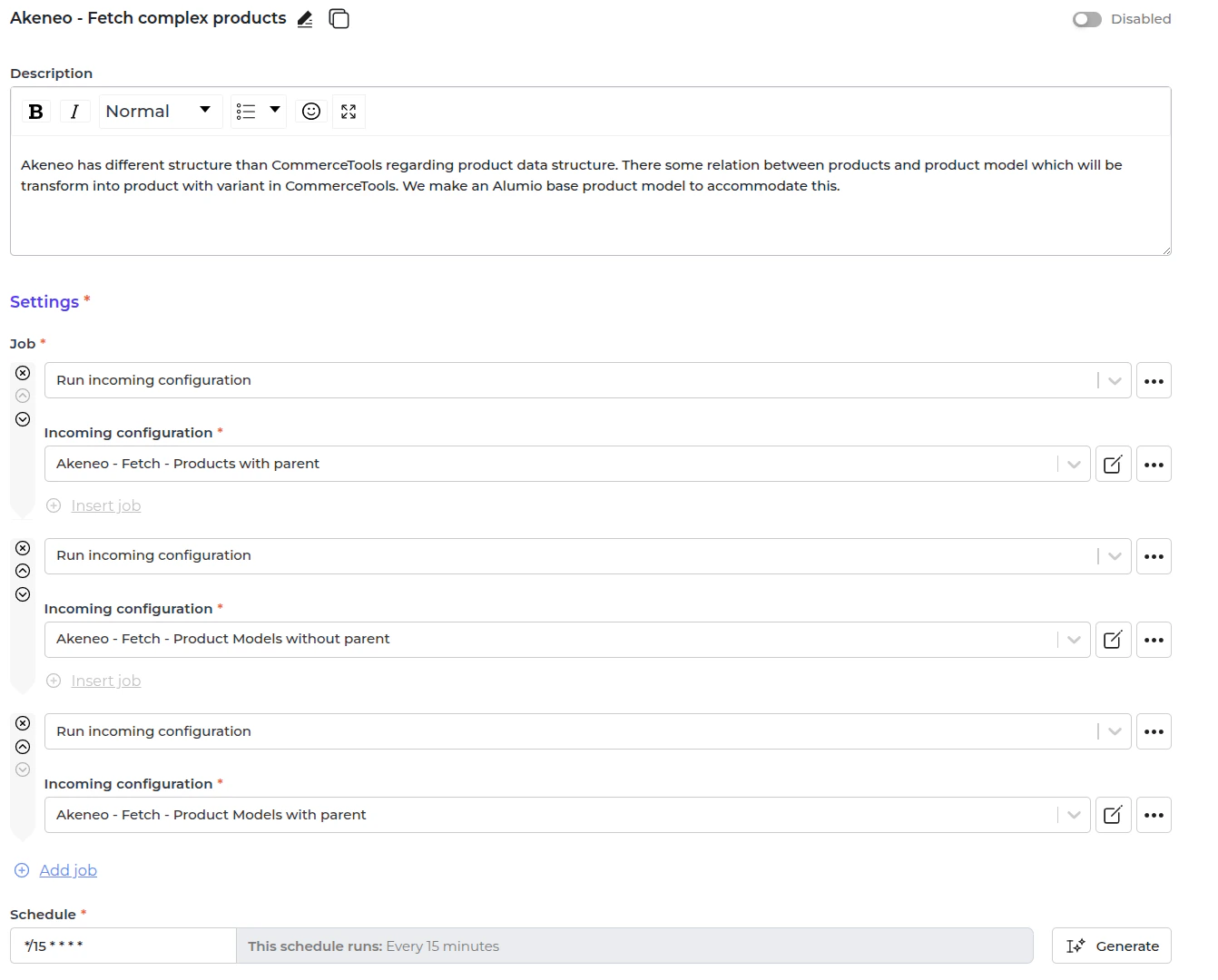
- Set a schedule expression and enable the configuration.