
- Log in to your Alumio dashboard.
- Navigate to Integrations > Schedulers.
- Pick up the Scheduler for export. Currently, 11 Schedulers can be exported.
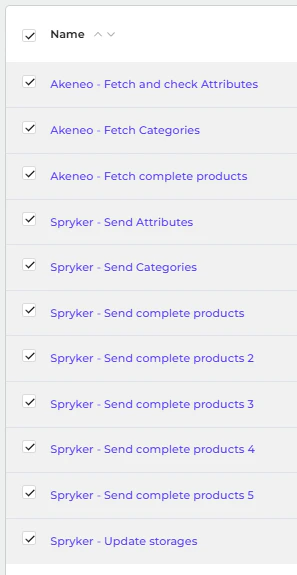
- You can export single or multiple Schedulers.
- For a single Scheduler, navigate to one of the configurations in Scheduler > … (Three dots on the top right) > Export.
- To export multiple Schedulers, mark the checkbox Scheduler > Export (top right).