
Fetching Variants of Product from Akeneo
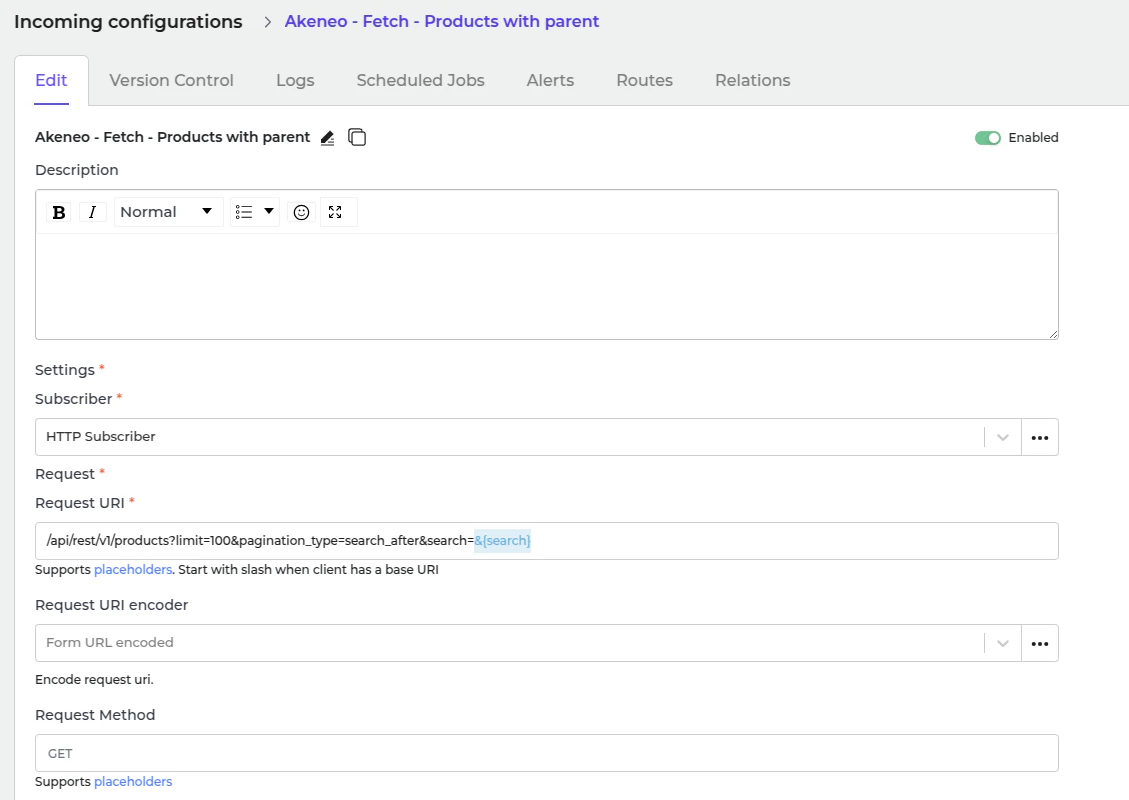
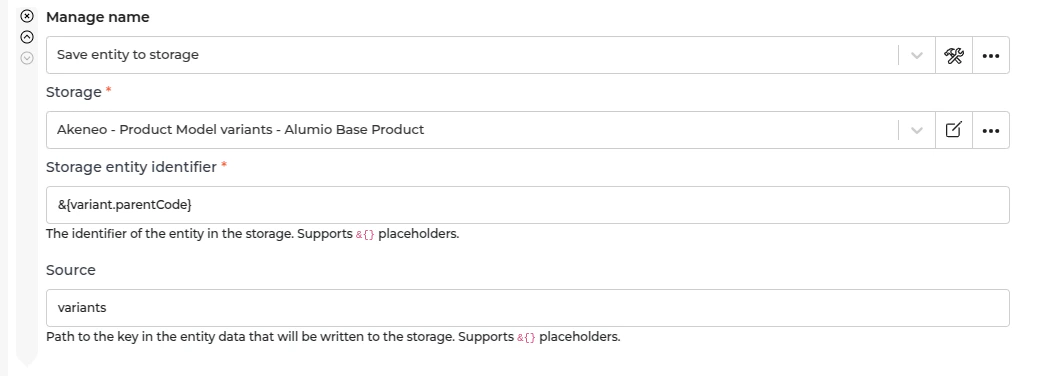
- In Alumio, go to “Integrations → Incoming → Akeneo - Fetch - Products with parent”. We defined variants as the product of a product model. Before we fetch the product model in Akeneo, we need to prepare the variants first (the product of the product model). This Incoming is designed to get products in Akeneo that have parent, so we can be sure this will be a variant from the product model. This Incoming will not create any task but will update the storage of “Akeneo - Update Storage - Product Model Variants - Alumio Base Product” with a list of product data in Alumio base product data.
Fetching Parent Product Model from Akeneo
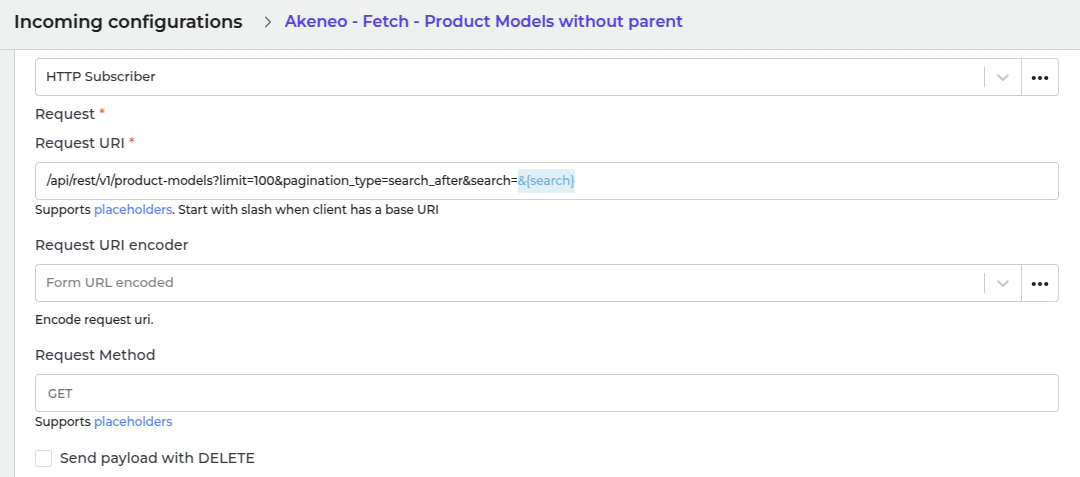
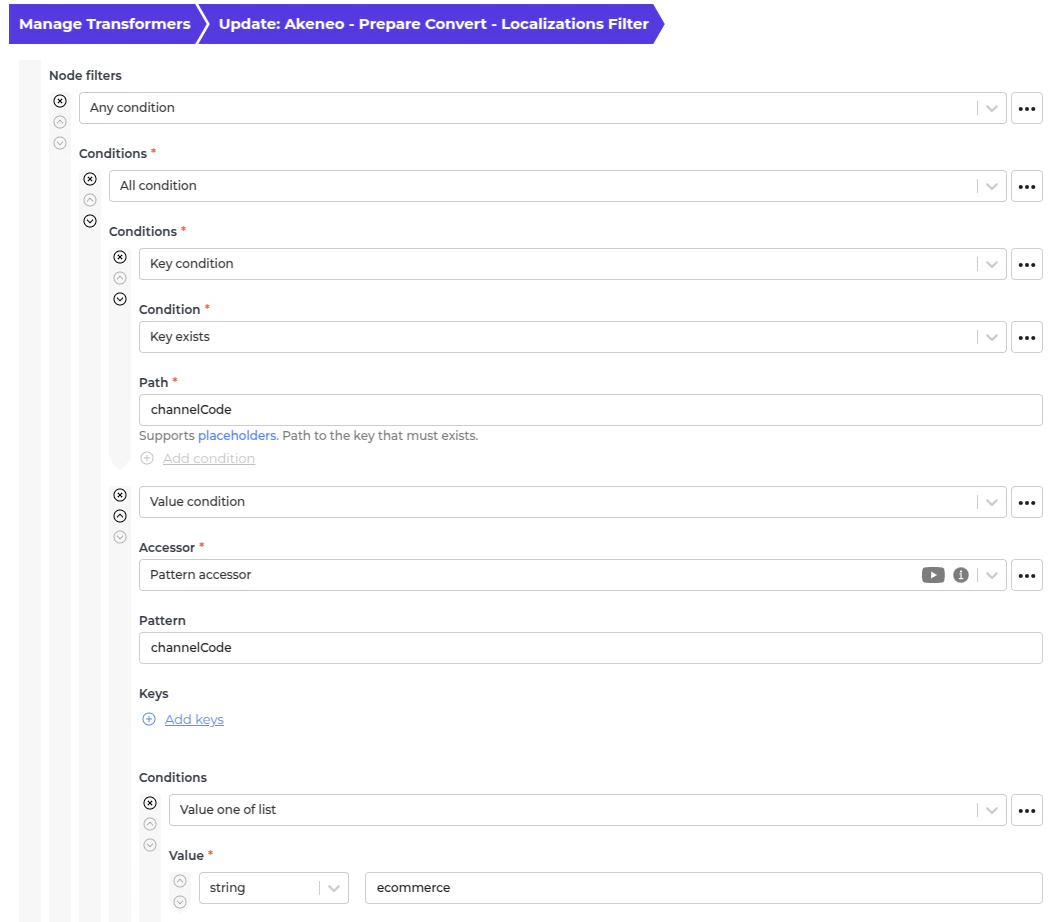
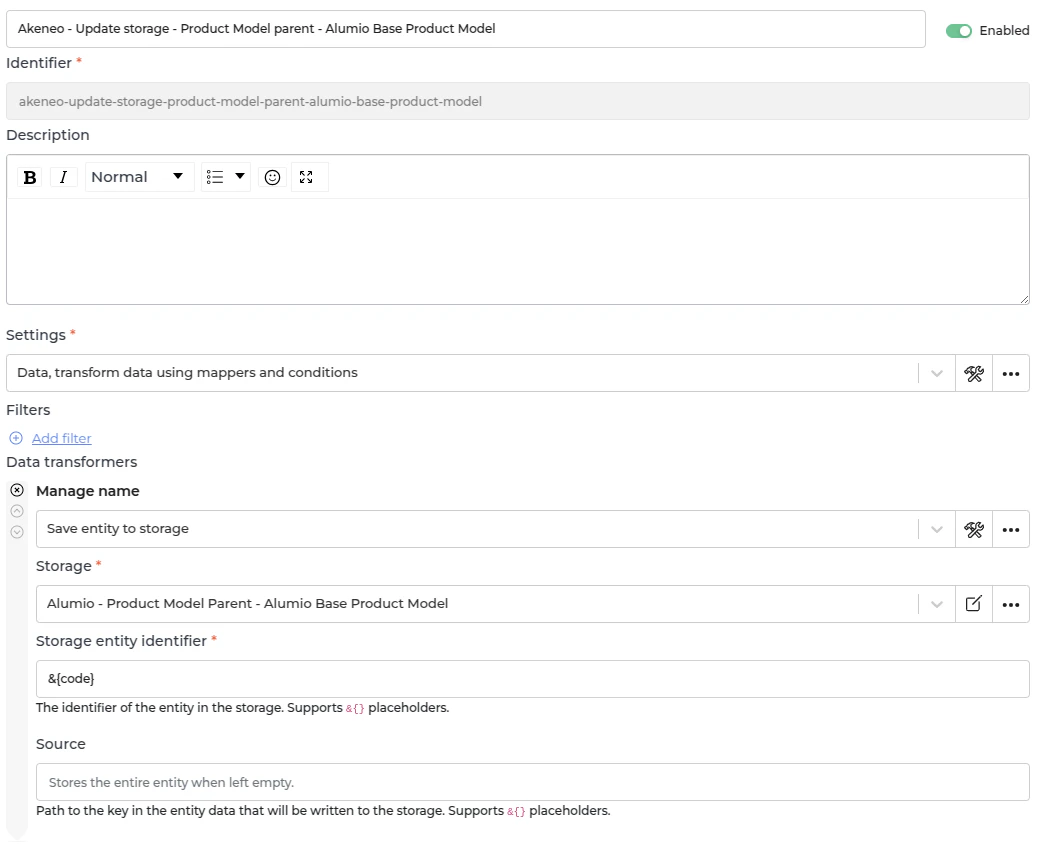
- In Alumio, go to “Integrations → Incoming → Akeneo - Product Models without parent”. Parent product model in Akeneo has a probability to have children, which is another product model or variant, which is the product of the product model. This Incoming is designed to get a list of product models that are the top parent or do not have a parent. This Incoming will not create any task but will update the storage of “Alumio - Product Model Parent - Alumio Base Product Model” with parent product model data in the Alumio base product model.
Fetching Children Product Model from Akeneo
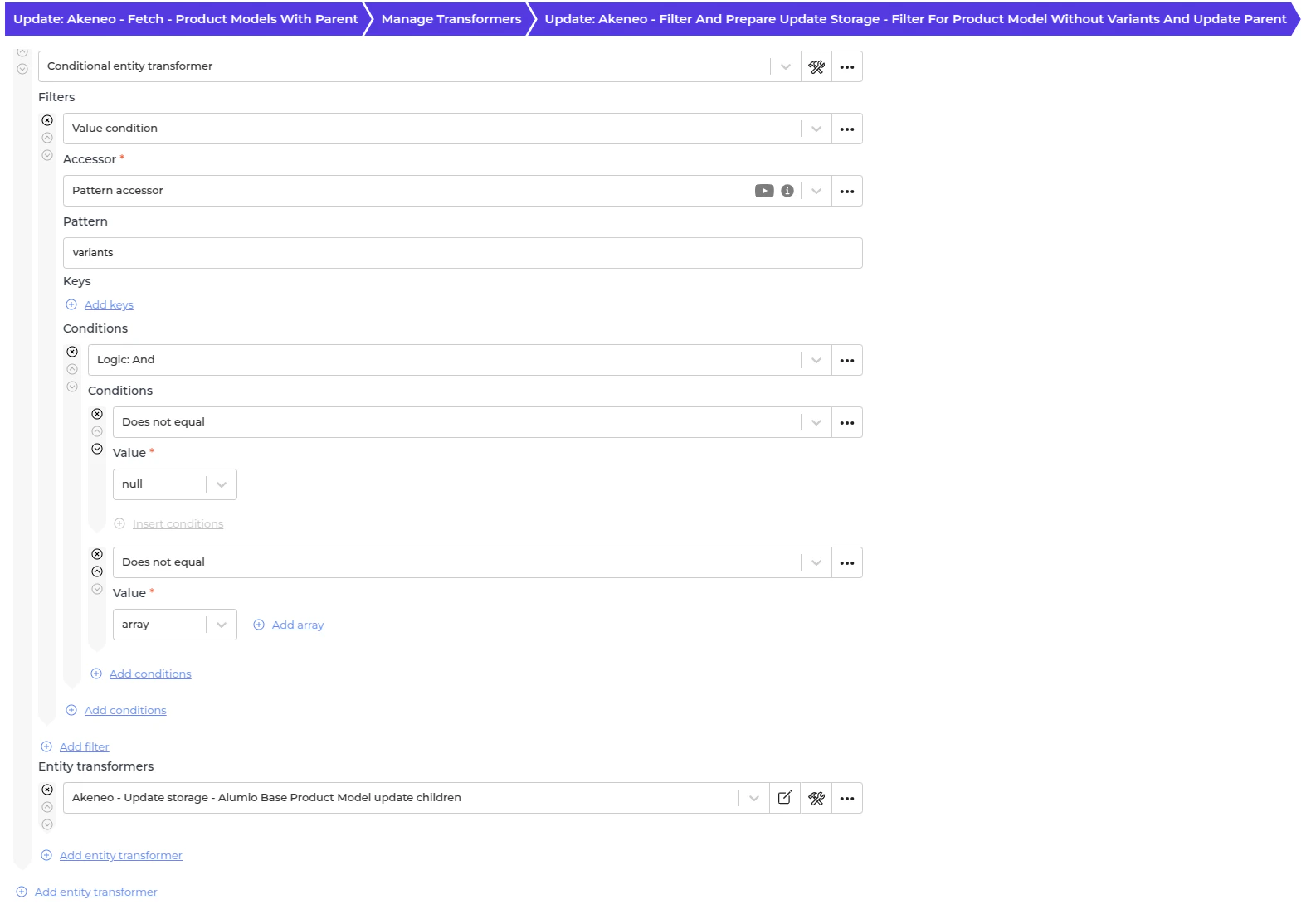
- In Alumio, go to “Integrations → Incoming → Akeneo - Fetch - Product Models with parent”. After we got the parent and the variant for a product model, this is the time to fetch children, product model. This Incoming well get the product model with parent to become a children product model. This Incoming will not create any task but will update the storage of the parent at “Alumio - Product Model Parent - Alumio Base Product Model” with children product model data in the Alumio base product model.
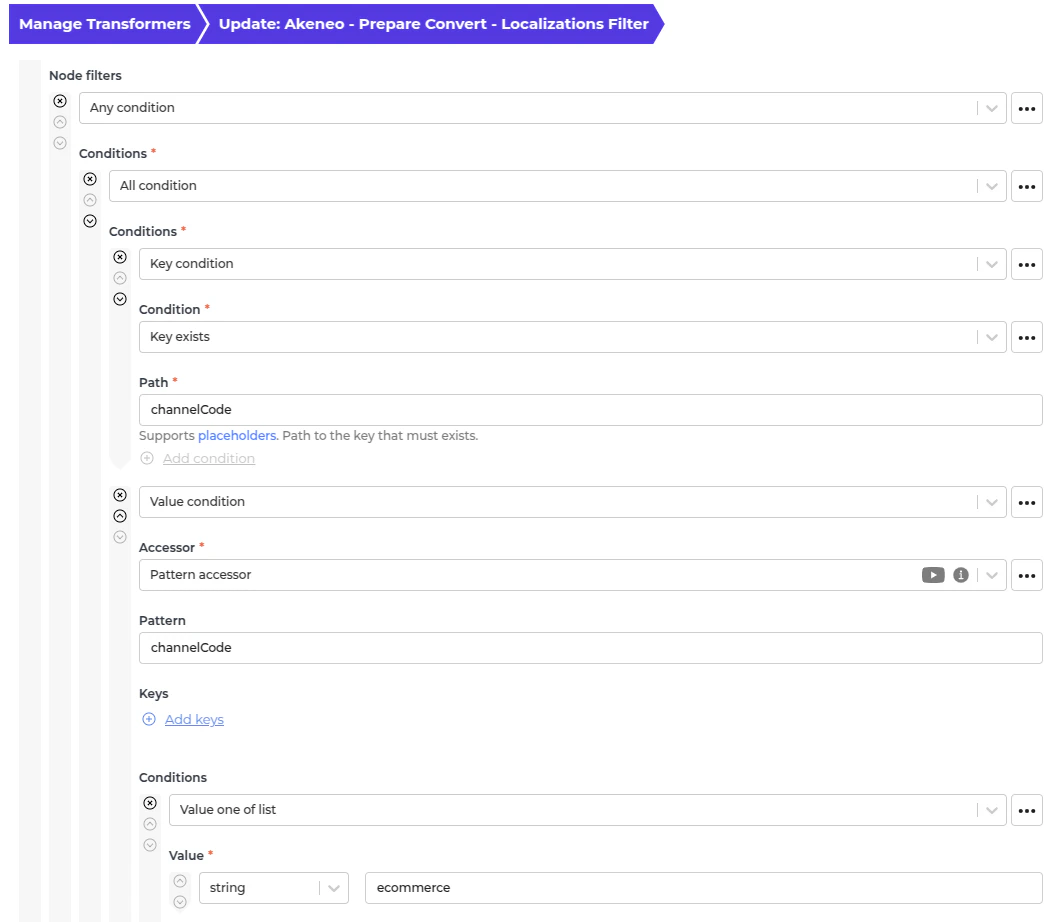
- This transformer will convert localizations data from Akeneo. An example of the Akeneo localizations:
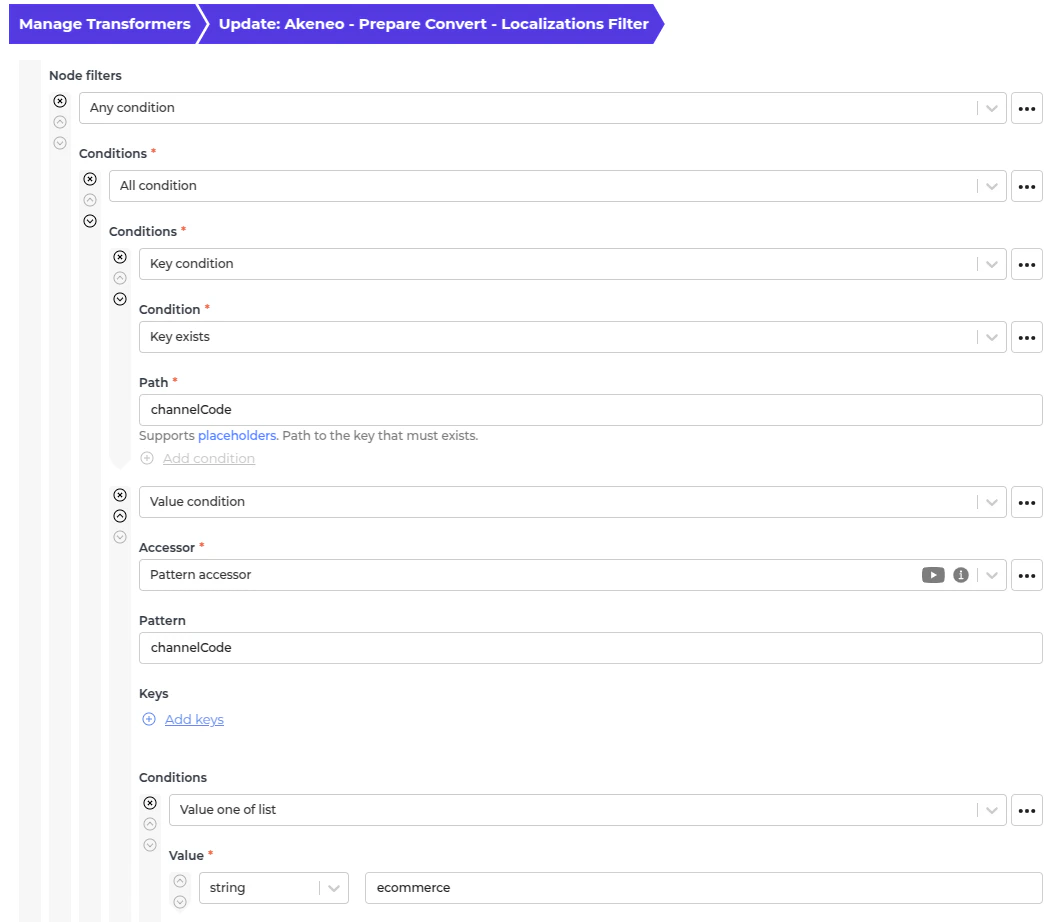
- We use this transformer to only allow any localization with a channel code in “eCommerce”, if it has the channel code. If you need another channel code, add the value in the Node filter.
Fetching Simple Product from Akeneo
- In Alumio, go to “Integrations → Incoming → Akeneo - Fetch - Products without parent”. There is some product data without a product model in Akeneo. This Incoming will duplicate the product data into the Alumio base product model and save it into the storage “Alumio - Product Model Parent - Alumio Base Product Model”.
- This transformer converts localizations data from Akeneo.
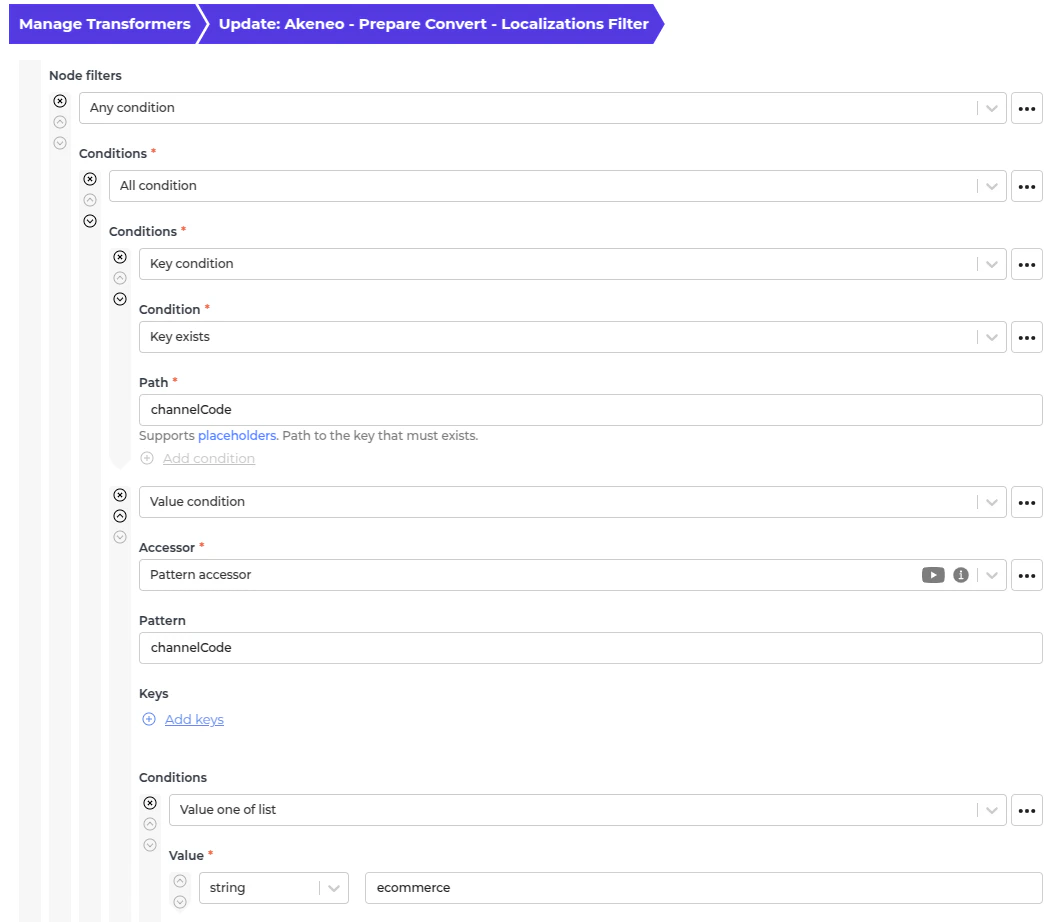
Use this transformer to filter previously created task simple products to avoid duplication.
Automatic Fetching Product Data from Akeneo to Alumio
- In Alumio, go to “Integrations → Schedulers → Akeneo - Fetch complex products”.
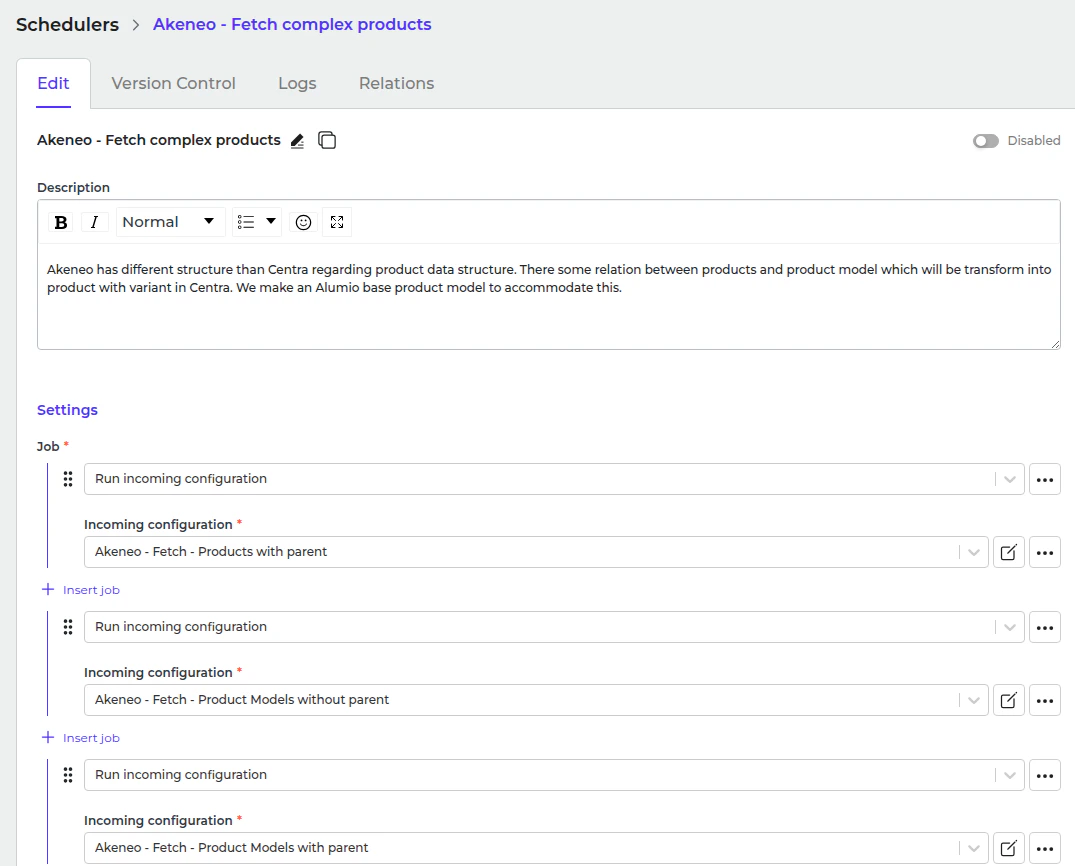
- Set a schedule expression and enable the configuration.